How to Monitor Remote Worker Clock-Ins Effectively

Monitoring remote worker clock-ins is the process of recording when distributed employees start and stop work using verified, time-stamped digital systems. Without it, managers face payroll errors, wage-and-hour liability, and no reliable record of hours worked. Tools like Kloqk, WorkTime, and Apploye have made remote employee time tracking far more accurate than the old honor-system spreadsheet. The legal stakes are real: employers must pay non-exempt workers for every hour worked, including small increments outside scheduled shifts. Getting this right protects your business and your team.
What tools are available to monitor remote worker clock-ins?
Remote time tracking software falls into four main categories: manual web-based clock-ins, GPS time clocks, photo punch verification, and automated app-usage monitors. Each solves a different problem, and the best setup for your team depends on your industry, workforce size, and legal exposure.
Manual web-based clock-ins are the simplest option. Employees log into a browser-based portal and click a button to start or stop their shift. Kloqk’s online time clock works this way, requiring no hardware and no per-seat fees. The limitation is that manual systems depend on employees remembering to clock in and out accurately.
GPS time clocks add a location layer. When an employee clocks in, the system records their coordinates and can restrict clock-ins to approved locations using geofencing. Kloqk’s GPS geofencing feature blocks clock-ins from outside a defined radius, which eliminates buddy punching and location fraud. Photo punch verification goes further by capturing a timestamped photo at clock-in, confirming the right person is at the right place.
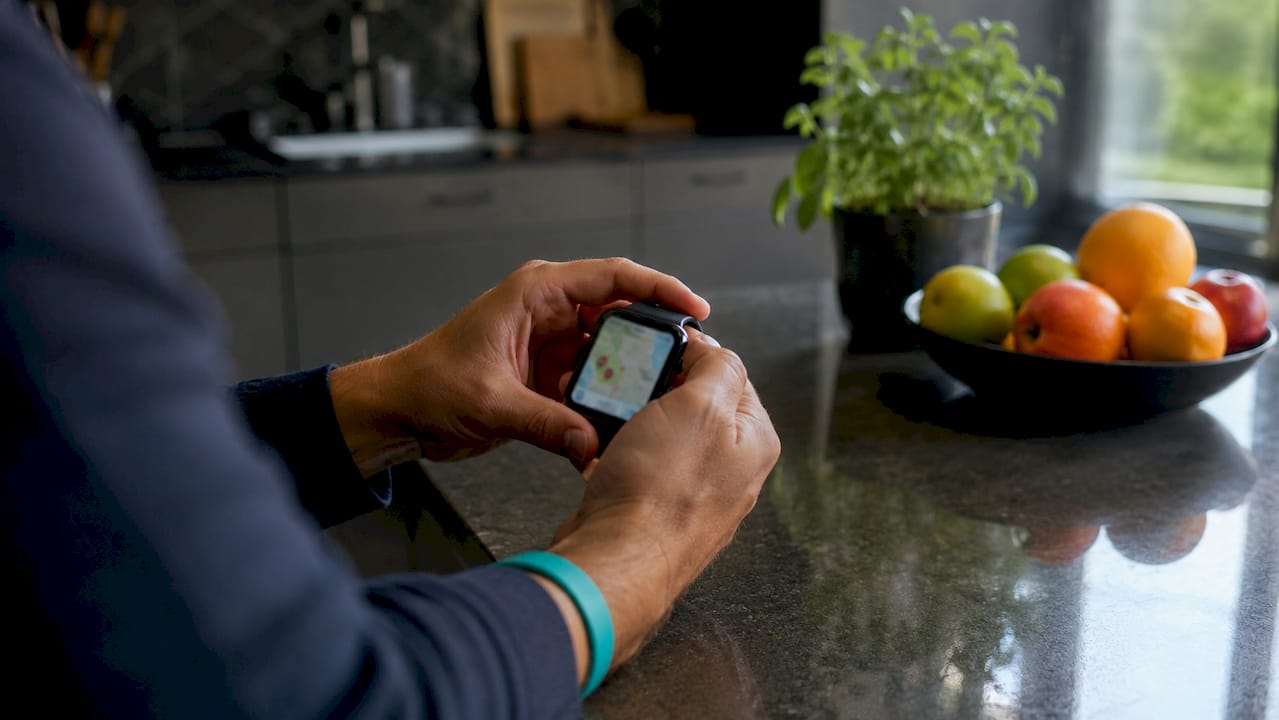
Automated tracking platforms like VirtualStation take a different approach. VirtualStation uses AI-enhanced automatic tracking that monitors app usage and work hours without requiring manual input. This reduces micromanagement but raises privacy considerations that managers must address in their written policies before deployment.
Manual vs. automated: which is better for remote teams?
| Feature | Manual clock-in | Automated tracking |
|---|---|---|
| Employee action required | Yes, every shift | No, runs in background |
| Privacy concerns | Low | Higher, requires consent |
| Payroll accuracy | Moderate | High |
| Legal defensibility | Moderate | High with server-side stamps |
| Cost | Often free (e.g., Kloqk) | Often paid tiers |
The right choice depends on your team’s trust level and your industry’s legal exposure. For most small businesses, a GPS-enabled manual clock-in with photo verification hits the right balance between accuracy and employee privacy.
Pro Tip: Use server-side timestamping rather than client-side clocks. Cryptographic timestamping using trusted time sources and cryptographic hashes makes your clock-in records tamper-resistant and legally defensible.
How do you align monitoring with legal requirements?
The FLSA requires employers to pay all hours worked, authorized or not. That rule applies directly to remote workers, and courts have extended it to cover small unrecorded increments that add up over time. Liability attaches when employers know or should know about unrecorded work, even if the employee never submitted a timesheet for it.
The compensable workday question is more specific than most managers realize. The workday starts when a remote employee accesses core work systems and ends when they log out. Booting a computer or connecting to Wi-Fi may not be compensable. Opening your CRM, project management tool, or communication platform is. Your timekeeping system should capture that moment, not an arbitrary scheduled start time.
Rounding policies add another layer of complexity. Neutral rounding policies that round up and down equally can be lawful, but courts scrutinize their real-world impact closely. A policy that rounds down more often than up will not survive legal challenge, regardless of how it reads on paper.
Your written policy should address these points directly:
- Off-the-clock work prohibition. State clearly that employees must not work without clocking in. Effective policies prohibit off-the-clock work while also requiring that any hours worked, authorized or not, are recorded and paid.
- Supervisor conduct. Managers must never tell employees to skip recording short tasks or to adjust their time down. Discouraging accurate time reporting is one of the most common and costly supervisor mistakes.
- Correction procedures. Define how employees report missed clock-ins and how managers approve corrections within the same pay period.
- State-specific rules. Several states have stricter meal break, rest period, and overtime rules than the FLSA. California, New York, and Washington each require separate policy language.
Pro Tip: Tie your written timekeeping policy directly to your time tracking software settings. If your policy says clock-ins are required by 8:00 a.m., your system should send a supervisor alert at 8:05 a.m. for any employee who has not clocked in.
Step-by-step: how to track remote employee attendance accurately
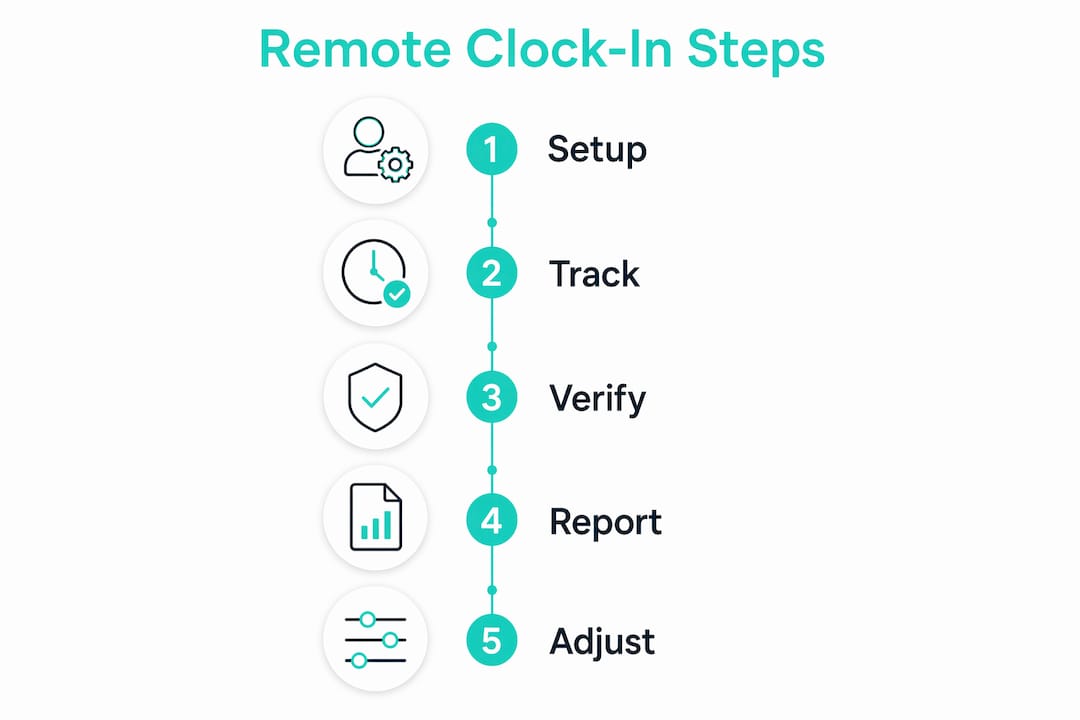
A reliable process for tracking remote work hours does not happen by accident. It requires deliberate setup, clear communication, and consistent oversight.
-
Select a system with the right verification features. Choose software that records GPS location, captures photo verification at clock-in, and stores timestamps on a server rather than the employee’s device. Kloqk’s remote employee time tracking app covers all three at no cost.
-
Configure geofencing for each work location. Set approved clock-in zones for home offices, client sites, or field locations. Employees outside the approved zone receive a prompt or are blocked from clocking in, depending on your settings.
-
Communicate expectations before go-live. Send a written policy summary to every remote employee before the system launches. Explain what is tracked, why it is tracked, and how corrections work. Transparency reduces resistance and strengthens your legal position.
-
Set up supervisor alerts for anomalies. Configure the system to notify you when an employee misses a clock-in, clocks in outside the geofence, or works outside scheduled hours. Catching these events in real time is far better than discovering them at payroll.
-
Review clock-in data weekly, not monthly. Contemporaneous recording and supervisor enforcement create a legally defensible process. End-of-month corrections are harder to defend and more likely to contain errors.
-
Coach employees on discrepancies immediately. When you spot a pattern of late clock-ins, missed breaks, or early clock-outs, address it in a one-on-one conversation. Document the discussion. Repeated patterns after coaching become a performance issue, not just a timekeeping issue.
-
Export payroll data directly from the system. Manual re-entry of time data introduces errors. Use your time tracking software’s payroll export feature to send clean, verified hours directly to your payroll processor.
What are the most common mistakes in remote work attendance monitoring?
The biggest risk in remote work attendance monitoring is not technology failure. It is supervisor behavior. Training supervisors to avoid discouraging accurate reporting reduces wage-hour exposure more than any software feature. A manager who tells a remote employee to “just round down” or “don’t bother clocking in for that quick task” creates direct legal liability.
Relying on end-of-week self-reporting is the second most common mistake. When employees reconstruct their hours on Friday afternoon, accuracy drops sharply. Memory is unreliable, and employees often underreport to avoid appearing inefficient. The result is underpaid hours and potential FLSA violations.
Client-side clock manipulation is a technical risk that many managers overlook. If your time tracking system records the timestamp from the employee’s device, that timestamp can be altered. Server-side timestamping eliminates this risk entirely.
“Liability attaches when employers know or should know about unrecorded work. The standard is not actual knowledge. It is constructive knowledge, meaning what a reasonable employer in your position should have known.” Foley & Lardner LLP
Privacy concerns around GPS tracking and app monitoring are real and vary by state. Some states require written employee consent before you can track location data. Collect consent in writing before enabling GPS features, and document it in your onboarding records. Employees who understand why monitoring exists and how data is used are far more likely to accept it without conflict.
- Never rely solely on self-reported timesheets for remote workers.
- Always use server-side timestamps, not device-side clocks.
- Train every supervisor on what constitutes discouraging accurate reporting.
- Collect written GPS consent before enabling location tracking.
- Review clock-in data weekly and address anomalies before payroll runs.
Key Takeaways
Managers who monitor remote worker clock-ins with server-side timestamps, GPS verification, and written policies aligned to FLSA requirements build the most defensible and accurate payroll records.
| Point | Details |
|---|---|
| Use verified clock-in systems | GPS and photo punch features confirm identity and location at every clock-in. |
| Align policy with FLSA rules | Pay all hours worked, including small unrecorded increments, to avoid wage-and-hour liability. |
| Record contemporaneously | Weekly review of clock-in data is more defensible than end-of-month corrections. |
| Train supervisors carefully | Discouraging accurate time reporting is the leading cause of wage-hour exposure in remote teams. |
| Use server-side timestamps | Cryptographic server-side records prevent tampering and hold up as legal evidence. |
What I’ve learned managing remote teams across time zones
The technology is the easy part. I’ve seen managers spend weeks evaluating GPS time clock apps and then lose a wage-and-hour claim because a supervisor told a remote employee to skip clocking in for a 20-minute task. The tool did not fail. The management practice did.
The most effective shift I’ve seen in remote attendance monitoring is treating clock-in data as a two-way communication tool, not a surveillance mechanism. When managers review clock-in anomalies and follow up with curiosity rather than accusation, employees start reporting their hours more accurately. They stop rounding down to look efficient. They stop skipping clock-ins to avoid awkward questions about overtime.
Transparency about what is tracked and why matters more than most managers expect. Teams that receive a clear written explanation of the monitoring system, including what data is collected, who sees it, and how it affects pay, accept the process far more readily. The resistance I’ve seen almost always traces back to a policy that was rolled out without explanation.
One practical lesson: set your supervisor alerts before your first payroll run, not after. Discovering that three remote employees worked unrecorded overtime in week one is a recoverable problem. Discovering it in month four is a legal and financial crisis.
Saad
Kloqk makes remote clock-in monitoring straightforward
Managers who need to track remote worker attendance without paying per-seat fees have a direct option in Kloqk. The platform includes GPS geofencing, photo verification at clock-in, and an online time clock that works from any browser, all at no cost.
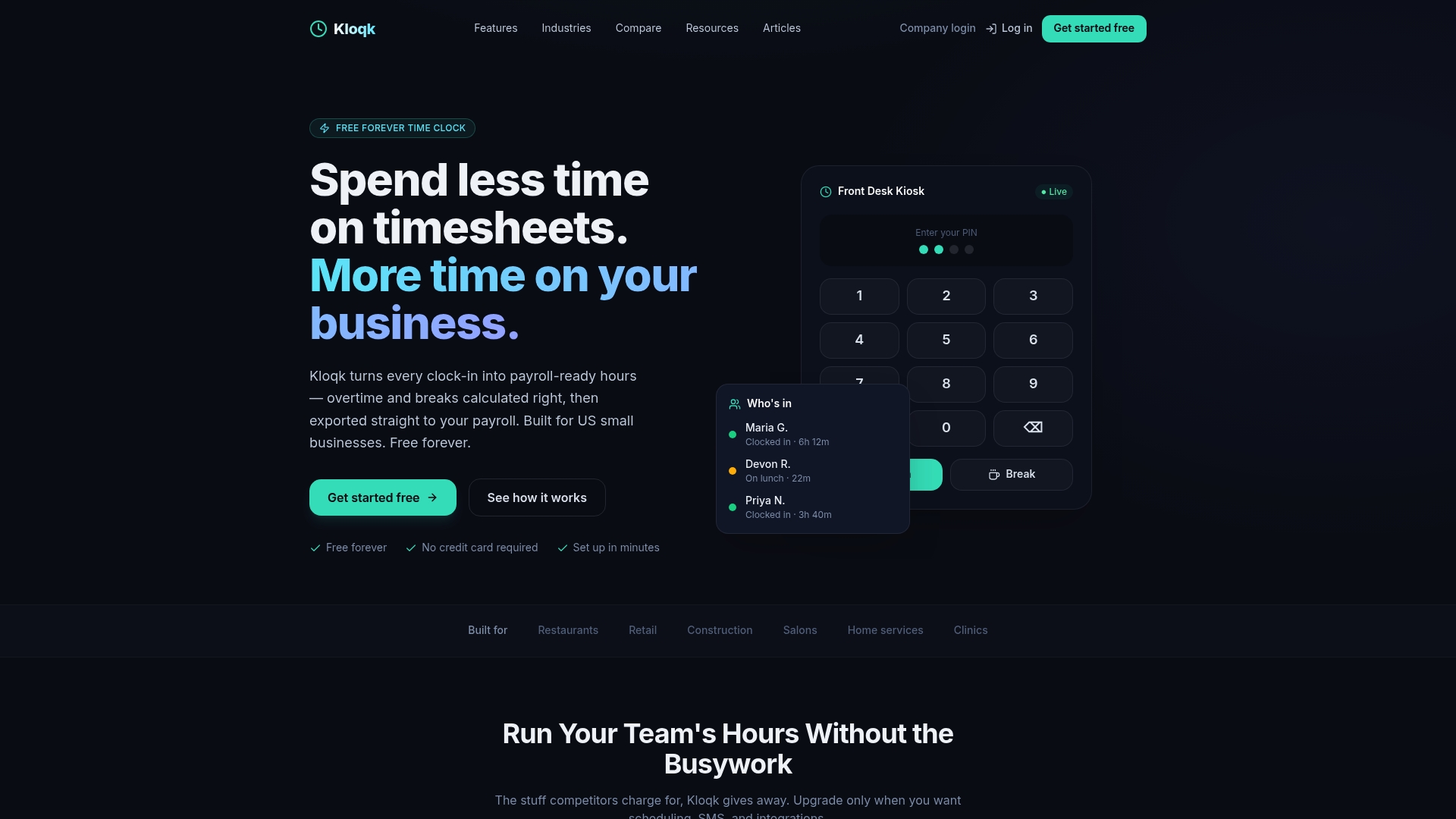
Kloqk’s remote employee time tracking app is built for small businesses in industries like construction, restaurants, and field services, where verifying location and identity at clock-in is non-negotiable. Overtime calculations, break tracking, and payroll exports are included without a paid upgrade. For managers who need a system that captures accurate hours and produces clean payroll data, Kloqk removes the cost barrier entirely. You can also explore Kloqk’s full time tracking features to find the right setup for your team.
FAQ
What does it mean to monitor remote worker clock-ins?
Monitoring remote worker clock-ins means using digital time tracking software to record when remote employees start and stop work, verified by GPS location, photo capture, or server-side timestamps. The goal is accurate payroll and FLSA compliance.
How does the FLSA apply to remote employee time tracking?
The FLSA requires employers to pay non-exempt remote workers for all hours worked, including small increments outside scheduled shifts. Liability attaches when an employer knows or should have known that unrecorded work occurred.
When does a remote employee’s compensable workday begin?
The compensable workday begins when a remote employee accesses core work applications, not when they boot their computer. Logging into your CRM, project tool, or communication platform starts the clock under current legal interpretations.
What features should I look for in remote time tracking software?
Look for GPS geofencing, photo verification at clock-in, server-side timestamping, supervisor alerts for missed clock-ins, and direct payroll export. These features together reduce time theft, support legal defensibility, and cut manual payroll work.
Is GPS tracking of remote employees legal?
GPS tracking of remote employees is legal in most U.S. states but requires written employee consent in several states before you enable location features. Collect and document consent during onboarding to protect your business.
Recommended
Sources
Every figure on this page traces to one of these. Primary law and government sources are listed first.
Written by
Marcus ReyesPayroll & Timekeeping Specialist
Marcus covers payroll accuracy, timesheets, and time tracking, the unglamorous mechanics that keep paychecks correct and audits painless.
Keep Reading
Track Hours the Easy Way
Kloqk is a free time clock that handles punches, breaks, overtime, and payroll-ready reports.
Start free