The Role of Employee Self-Service Timesheets in HR

Employee self-service timesheets are defined as digital systems that let employees enter, review, and correct their own work hours directly, without routing every change through HR. This approach, formally called Employee Self-Service (ESS) time tracking, sits at the center of modern employee timesheet management. Tools like Harvest, MangoApps, and ClickTime have built entire product lines around this concept because the efficiency gains are real. For HR managers and business leaders at small to mid-sized companies, understanding the role of employee self-service timesheets is the first step toward cutting administrative overhead and getting payroll right the first time.
How do employee self-service timesheets work in practice?
ESS timesheets follow a clear, repeatable workflow from clock-in to payroll export. Employees log hours through a web portal or mobile app, managers review flagged exceptions, and the system pushes approved data directly to payroll. That three-step loop replaces a tangle of paper forms, email chains, and manual data entry.
Here is how the daily workflow breaks down in practice:
- Employee entry. The employee clocks in and out through a web or mobile interface. Mobile and web access supports timely, accurate submissions without manual prompting, which matters most for shift workers and field teams.
- Real-time validation. The system checks entries against scheduled hours and flags anomalies immediately. Mandatory reason codes for manual edits prevent last-minute payroll corrections at the end of the pay period.
- Manager review. Managers see only flagged exceptions, not every single entry. This exception-based model keeps review time short.
- Audit trail logging. Every edit is timestamped and attributed to a specific user. Audit trail logging protects the company during labor audits and keeps compliance records clean.
- Payroll export. Approved timesheets feed directly into payroll providers. ESS systems integrate with platforms like ADP, Workday, Gusto, and Paychex, cutting manual data transfer entirely.
Pro Tip: Set your system to auto-approve entries that fall within scheduled hours and require a reason code only for entries outside that window. This single configuration change eliminates the majority of manager review time.
The audit trail is the part most HR managers underestimate. Without it, a disputed timesheet becomes a he-said-she-said problem. With it, you have a timestamped record of every change, who made it, and why.

What are the primary benefits of self-service timesheets for businesses?
The business case for ESS timesheets is built on documented cost and time savings, not theory. The numbers are specific enough to use in a budget conversation.
- Administrative workload drops sharply. Implementing ESS can reduce HR administrative workload by 30% to 60%, sometimes eliminating 1, 2 full-time equivalent positions per 200 employees. That is not a rounding error. It is a structural change in how HR spends its time.
- Payroll inquiries fall fast. Organizations see a 30% to 40% reduction in payroll and leave inquiries within the first 30 days after ESS implementation. Fewer inquiries mean fewer interruptions for your HR team.
- Transaction costs drop dramatically. Manual HR transactions cost $25 or more each, while ESS transactions average around $4.50. At scale, that difference adds up to meaningful annual savings.
- Employee engagement improves. Employees with 24/7 access to their timesheets, leave balances, and pay information report higher satisfaction and less dependency on HR staff.
“Without self-service portals, informal payroll complaints and friction increase as employees grow dependent on HR for basic information they should be able to access themselves.” CleverTime
The engagement point deserves more attention than it usually gets. When employees can see their own hours and correct mistakes before payroll runs, they stop feeling like passive recipients of a process they cannot influence. That shift in perception reduces friction across the whole organization.
Self-service timesheets vs. traditional time tracking methods
The gap between manual time tracking and ESS timesheets is not just about convenience. It shows up in accuracy, compliance readiness, and the ability to scale without adding headcount.
| Factor | Traditional methods | ESS timesheets |
|---|---|---|
| Data entry | Manual, paper or phone-based | Employee-entered via web or mobile |
| Accuracy | Prone to transcription errors | Real-time validation catches errors immediately |
| Audit readiness | Difficult to reconstruct edit history | Full timestamped audit trail by default |
| Manager workload | Reviews every entry manually | Reviews exceptions only |
| Payroll integration | Manual export or re-entry | Direct integration with ADP, Workday, Gusto |
| Scalability | Workload grows with headcount | Exception-based approvals keep workload flat |
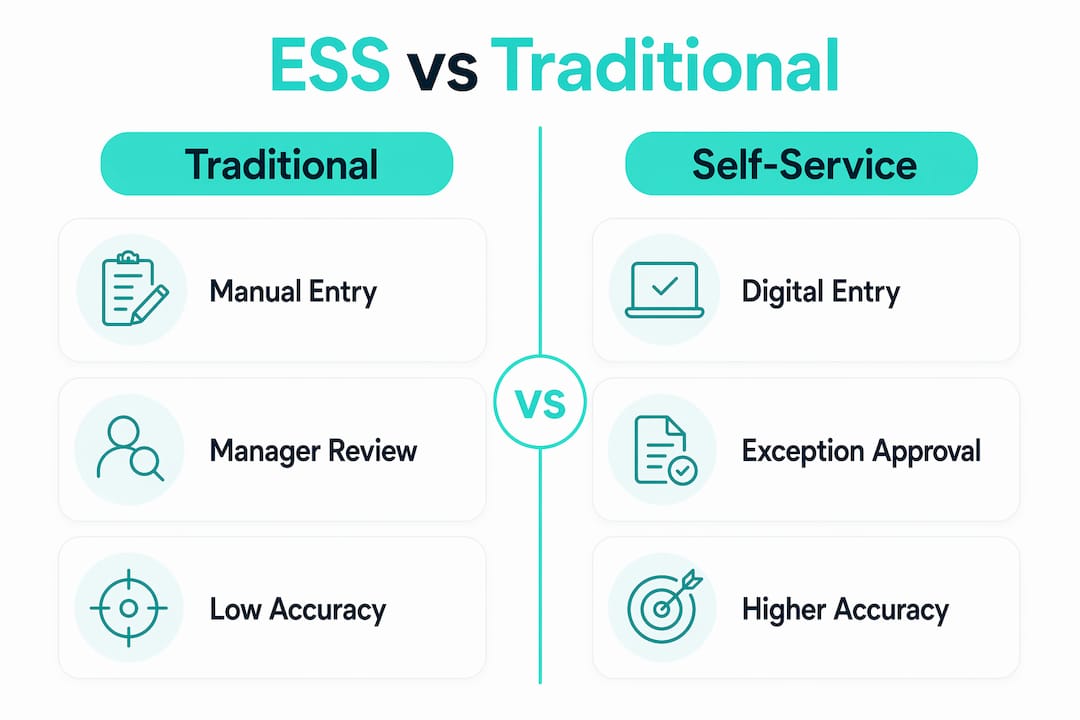
Traditional paper or phone-based methods force managers to review every single entry. That works at five employees. It breaks down at fifty. ESS timesheets flip the model: managers only see entries that fall outside expected parameters.
Exception-based approvals can reduce manager timesheet review workloads by up to 80%. That is the scalability argument in one number.
Pro Tip: Before switching systems, audit your current rejection and correction rate. If more than 10% of timesheets require manual correction each pay period, your problem is data quality, not just process. Fix the validation rules first, then migrate.
Compliance is the other major gap. Manual records are hard to reconstruct after the fact. An ESS system with a proper audit trail gives you a defensible record for every entry, every time. For businesses in industries like construction or food service, where wage and hour disputes are common, that protection is worth the implementation effort on its own.
What best practices ensure successful ESS timesheet adoption?
A well-configured ESS system does most of the work. A poorly configured one creates new problems while solving old ones. These steps separate implementations that stick from ones that get abandoned.
- Configure user roles and permissions first. Decide who can edit entries, who approves them, and who has read-only access. Role clarity prevents both data errors and compliance gaps before they start.
- Require reason codes for manual edits. Real-time validation with mandatory reason codes keeps data clean and creates an accountability record. Without this, employees edit freely and managers have no context for reviewing changes.
- Set approval chains that match your org structure. A restaurant with shift supervisors needs a different chain than a construction company with project managers. Map your actual reporting lines into the system before go-live.
- Train employees on the why, not just the how. Employees who understand that accurate timesheets protect their own pay are more likely to submit on time. Frame training around their interests, not just company policy.
- Monitor the first two pay periods closely. The first cycle reveals configuration gaps. Track late submissions, manual corrections, and manager escalations. Fix the patterns you see, not the ones you assumed would appear.
Pro Tip: Send a one-page reference card to employees before the first pay period. Cover three things only: how to clock in, how to correct an error, and who to contact with questions. Anything longer gets ignored.
Ongoing management matters as much as the initial setup. Review exception rates monthly. If exceptions are rising, the schedule data feeding your validation rules is probably out of date. Keep your system’s baseline data current and your exception rate stays low.
Key takeaways
Employee self-service timesheets cut HR administrative workload by 30% to 60%, reduce payroll inquiries within 30 days, and lower per-transaction costs from $25 to around $4.50 when configured with real-time validation and exception-based approvals.
| Point | Details |
|---|---|
| Core definition | ESS timesheets let employees enter and correct their own hours, removing HR from routine data entry. |
| Cost reduction | Manual HR transactions cost over $25 each; ESS brings that down to about $4.50 per transaction. |
| Faster payroll inquiries drop | Organizations see 30%40% fewer payroll inquiries within the first 30 days of ESS adoption. |
| Audit trail protection | Every edit must be timestamped and attributed to protect the company during labor audits. |
| Exception-based approvals | Auto-approving standard entries and flagging only outliers cuts manager review time by up to 80%. |
Why most ESS timesheet rollouts underdeliver
I have seen HR teams invest in ESS timesheet software and then wonder why nothing changed six months later. The system was fine. The configuration was not.
The most common mistake is treating ESS as a data collection tool rather than a data quality tool. You can give every employee a mobile app and still end up with the same messy timesheet data you had before, just collected faster. The difference is in the validation layer. If your system does not require reason codes for edits and does not flag entries outside scheduled hours, you have automated the submission process without fixing the accuracy problem.
The second mistake is underestimating the culture shift. Moving to ESS means asking employees to take ownership of a process they previously handed off to someone else. That is a real change in accountability. The companies that handle it well communicate the personal benefit clearly: accurate hours mean accurate pay. The ones that handle it poorly frame it as a compliance requirement and get minimal engagement.
Audit trails are the feature I tell every HR manager to prioritize above everything else. Not because audits are common, but because the discipline of logging every change forces better behavior from everyone in the system. When employees know their edits are recorded, they make fewer careless ones. When managers know their approvals are logged, they review more carefully. The audit trail is not just a compliance tool. It is a behavior management tool.
The time and attendance data you collect is only as good as the rules you build around it. Get the configuration right before you worry about adoption.
Saad
Kloqk’s free time tracking for small and mid-sized businesses
Small and mid-sized businesses often pay for features that should come standard. Kloqk changes that.
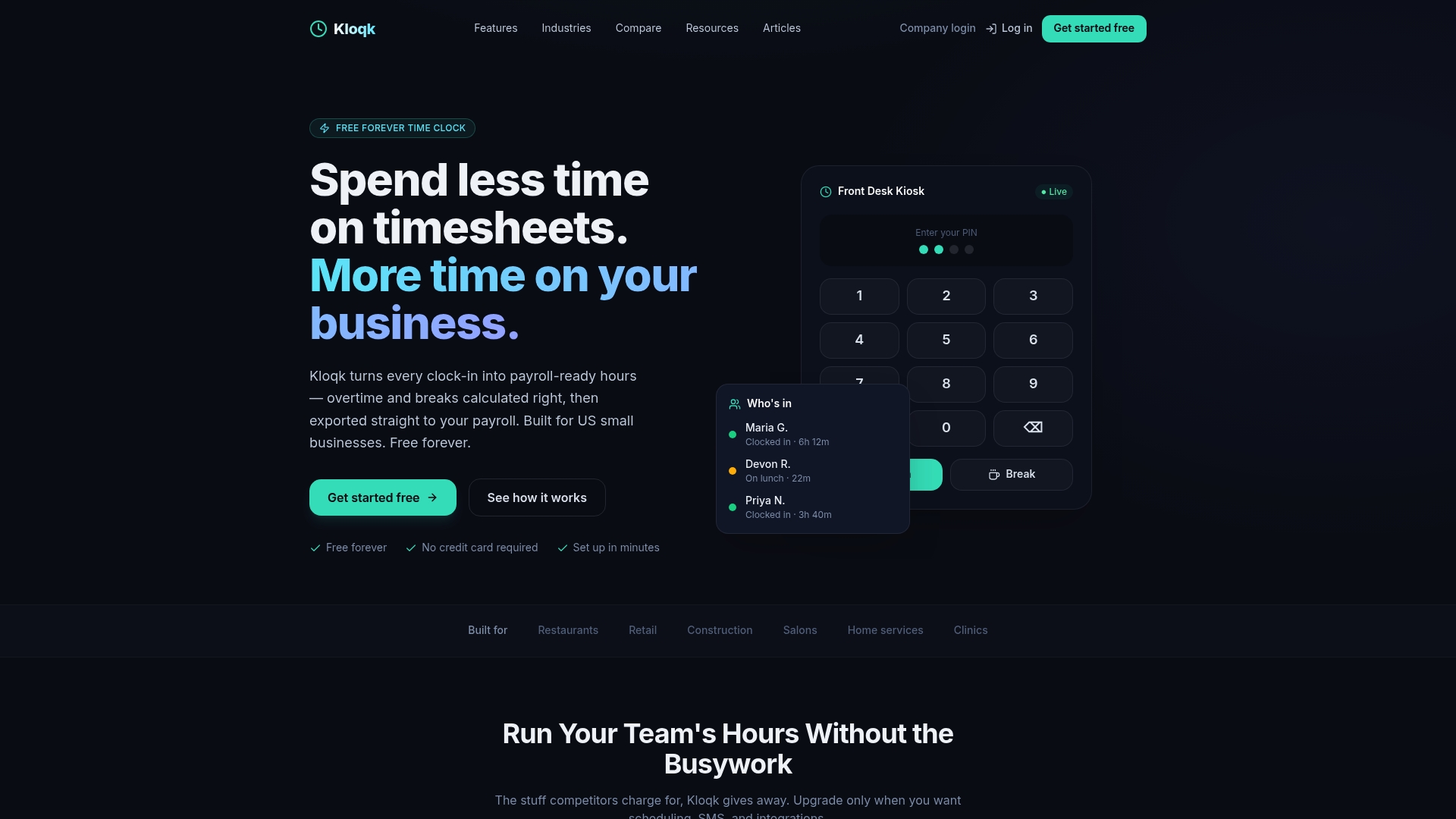
Kloqk’s employee time tracking software gives your team a full ESS timesheet system at no cost. Employees clock in from a mobile app or web browser, managers review exceptions, and payroll-ready exports go out without manual data entry. GPS geofencing and photo verification prevent time theft before it starts. Overtime calculations and break tracking are built in, not locked behind a paywall. For businesses in restaurants, construction, and field services, Kloqk handles the compliance and accuracy work so you do not have to. The GPS time clock feature is especially useful for teams spread across multiple job sites.
FAQ
What is an employee self-service timesheet?
An employee self-service timesheet is a digital record that employees fill out, review, and correct themselves through a web or mobile portal. It replaces paper forms and manual HR data entry with direct employee-owned time submission.
How much can ESS timesheets reduce HR workload?
ESS implementation can reduce HR administrative workload by 30% to 60%, and organizations typically see a 30% to 40% drop in payroll inquiries within the first 30 days.
What is exception-based timesheet approval?
Exception-based approval means the system auto-approves entries that fall within expected parameters and flags only outliers for manager review. This approach cuts manager review time by up to 80%.
Do self-service timesheets integrate with payroll software?
Yes. ESS timesheet systems typically integrate directly with payroll providers like ADP, Workday, Gusto, and Paychex, removing the need for manual data transfer between systems.
Why is an audit trail important in timesheet software?
An audit trail logs every edit with a timestamp and user attribution, which protects the company during labor audits and creates accountability for every change made to time records.
Recommended
Sources
Every figure on this page traces to one of these. Primary law and government sources are listed first.
Written by
Marcus ReyesPayroll & Timekeeping Specialist
Marcus covers payroll accuracy, timesheets, and time tracking, the unglamorous mechanics that keep paychecks correct and audits painless.
Keep Reading
Track Hours the Easy Way
Kloqk is a free time clock that handles punches, breaks, overtime, and payroll-ready reports.
Start free