The free employee time clock
Unlimited employees, kiosk + mobile punch, overtime done right, actually free, not a trial.
Start free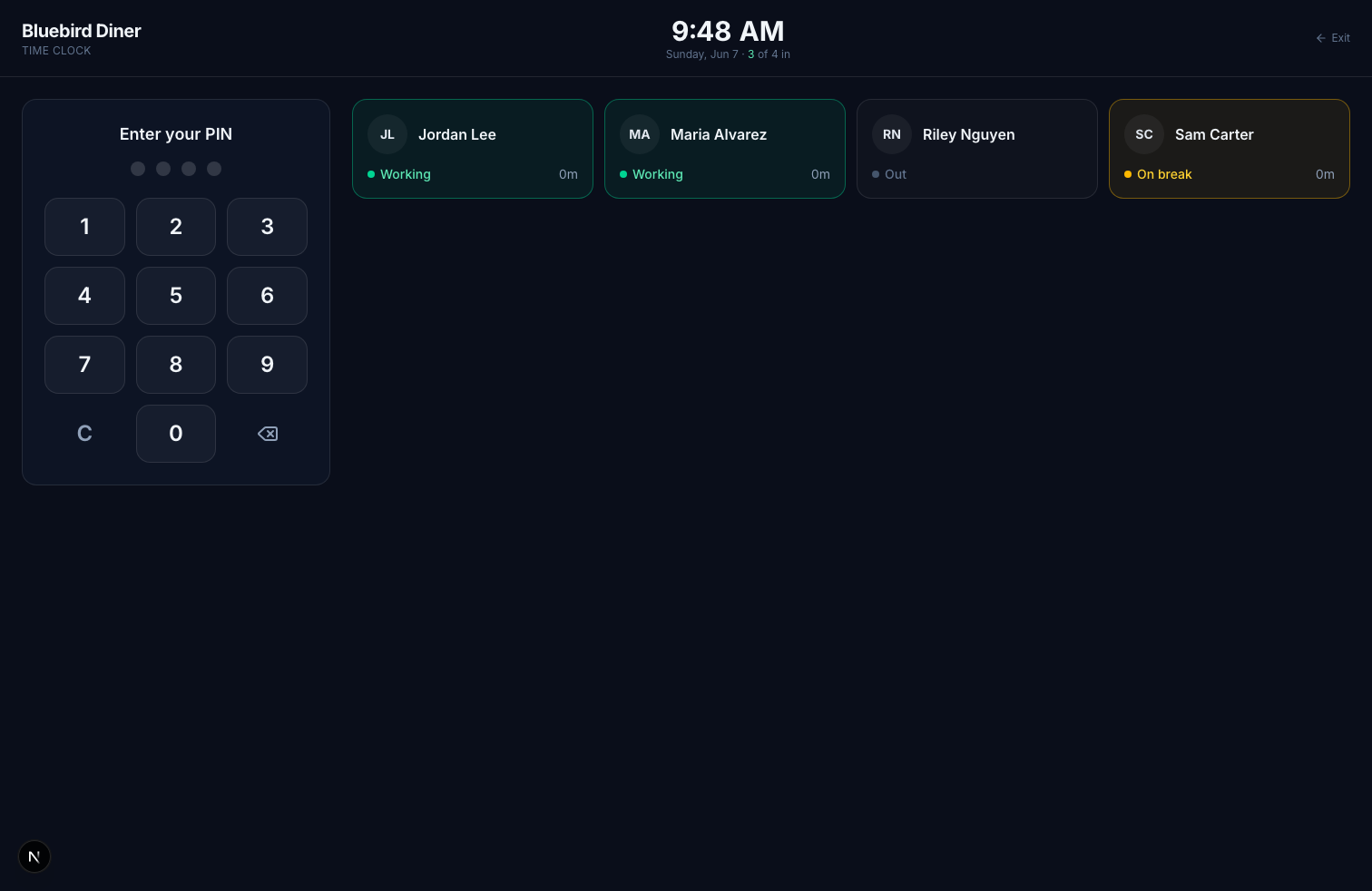
Genuinely Free
The core time clock is free for unlimited employees, no per-seat fee, no credit card, no feature gate on the basics.
Kiosk + Mobile + Photo
Punch with a 4-digit PIN on a tablet, from a phone with GPS, or with a webcam photo to stop buddy punching.
Compliance Built In
FLSA and California overtime, paid/unpaid breaks, and audit-logged edits, records that hold up.
Payroll-ready
Export approved hours to QuickBooks, Gusto, ADP, Paychex, and more in one click.
Frequently asked questions
Is Kloqk really free?
Yes. The core time clock (kiosk PIN punch, unlimited employees, photo at punch, timesheets, overtime, payroll exports) is free at one location, and so are scheduling, time off, documents and hiring. Pro at $29/location adds more locations, e-signature and full history; Premium at $59/location adds GPS geofencing and SMS.
How many employees can I add for free?
Unlimited. There's no per-seat cost on the free time clock.
Do I need to install anything?
No. It runs in a browser on a tablet or phone you already own, set up in about 10 minutes.
Explore more
Questions people ask about this
What is the best free time clock app for small business?
The one that is free at the size you actually are, rather than free for the first few employees. Most products described as free cap the team at ten or fifteen people, or exclude the exports you need to run payroll, so the cost arrives exactly when you grow. Check three things before committing: the employee cap, whether payroll export is included, and whether the price rises per seat.
How much does time clock software cost?
Typical pricing is a base fee of $20 to $40 a month plus $3 to $8 per employee per month, so a fifteen-person team usually lands between $70 and $150 a month. That per-seat element is what makes it expensive to grow. Kloqk's core time clock is free for unlimited employees, scheduling and time off included, with Pro at $29 per location for more sites and Premium at $59 per location for GPS and SMS.
Is there a truly free employee time clock?
Yes, but read what free means in each case. The common patterns are free up to a small headcount, free without payroll exports, or free for a trial period. Kloqk's core time clock is free for unlimited employees at one location, including kiosk punching, photo verification, overtime and break calculation, payroll-ready exports, scheduling and time off; a second location is on Pro at $29 per location.
How do employees clock in and out with an app?
They open the app or the kiosk, identify themselves with a PIN, and tap in or out. The punch is timestamped at that moment and the day's total is calculated from it, including any unpaid break. From the employee's side it is two taps; the work happens afterwards, in the totaling and the export.
What should I look for in time clock software?
Four things decide whether it survives contact with your payroll. Does it export in the format your payroll provider actually accepts, does it calculate overtime and breaks by the rules of your state, can you correct a missed punch and see that the correction was made, and does the price hold as you add staff. Everything else is preference.
How do I get employee hours into quickbooks?
Export the pay period's hours as a CSV in the layout your payroll product expects, then import it. What determines whether this is painless is whether the export carries your employee identifiers rather than just names, since matching on names breaks the first time two people share a surname or someone marries.
What time clock works with quickbooks payroll?
Any time clock that exports a CSV your payroll product accepts, which is most of them. The question worth asking instead is whether the export includes the fields payroll needs, regular and overtime hours split out and a stable employee identifier, because an export missing those still means manual work every period.
Biweekly vs semimonthly pay which is better?
Biweekly is 26 pay periods of exactly two weeks; semimonthly is 24 periods on fixed dates. Biweekly is simpler for hourly staff because a pay period never splits a workweek, which keeps overtime calculation clean. Semimonthly suits salaried payrolls and accounting periods but makes overtime harder, since a period can cut a workweek in half.
How do I run payroll from timesheets?
Approve the period's hours, check the overtime split, export, then import to payroll and reconcile the totals before submitting. The reconciliation step is the one people skip and the one that catches the errors, because it compares what the clock recorded against what payroll is about to pay.
Still deciding? Try the free calculators or read the wage-and-hour guides for your state.