Features
Everything in your free time clock
Kloqk tracks hours the way a small business actually works, a tablet at the counter, phones in the field, overtime and breaks handled, and clean hours ready for payroll. Here's the software itself.
Clock in
Turn any tablet into a time clock
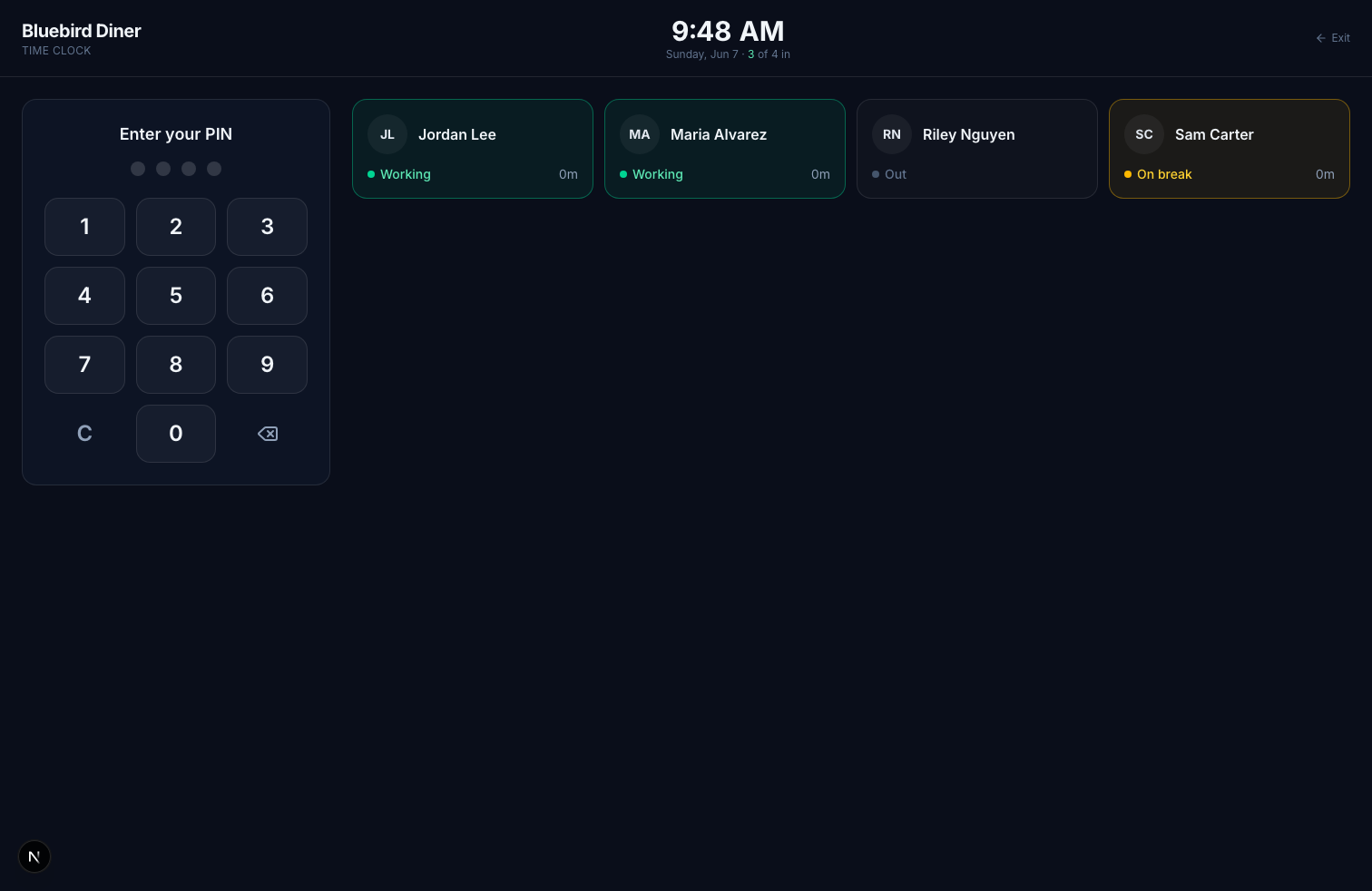
- Staff punch in with a 4-digit PIN, nothing to install, no passwords to reset.
- One screen shows who's working, on break, or out, in real time.
- Add a photo to every punch so one person can't clock in for another.
Privacy at the front deskNew
Hide names on the time clock
- Show only the PIN pad: no team list, no count of who's in, nothing for customers to read.
- After their PIN, each person sees their own name and hours, as always.
- Managers tap Manager and enter their PIN to see the list when they need it.
Breaks and overtimeNew
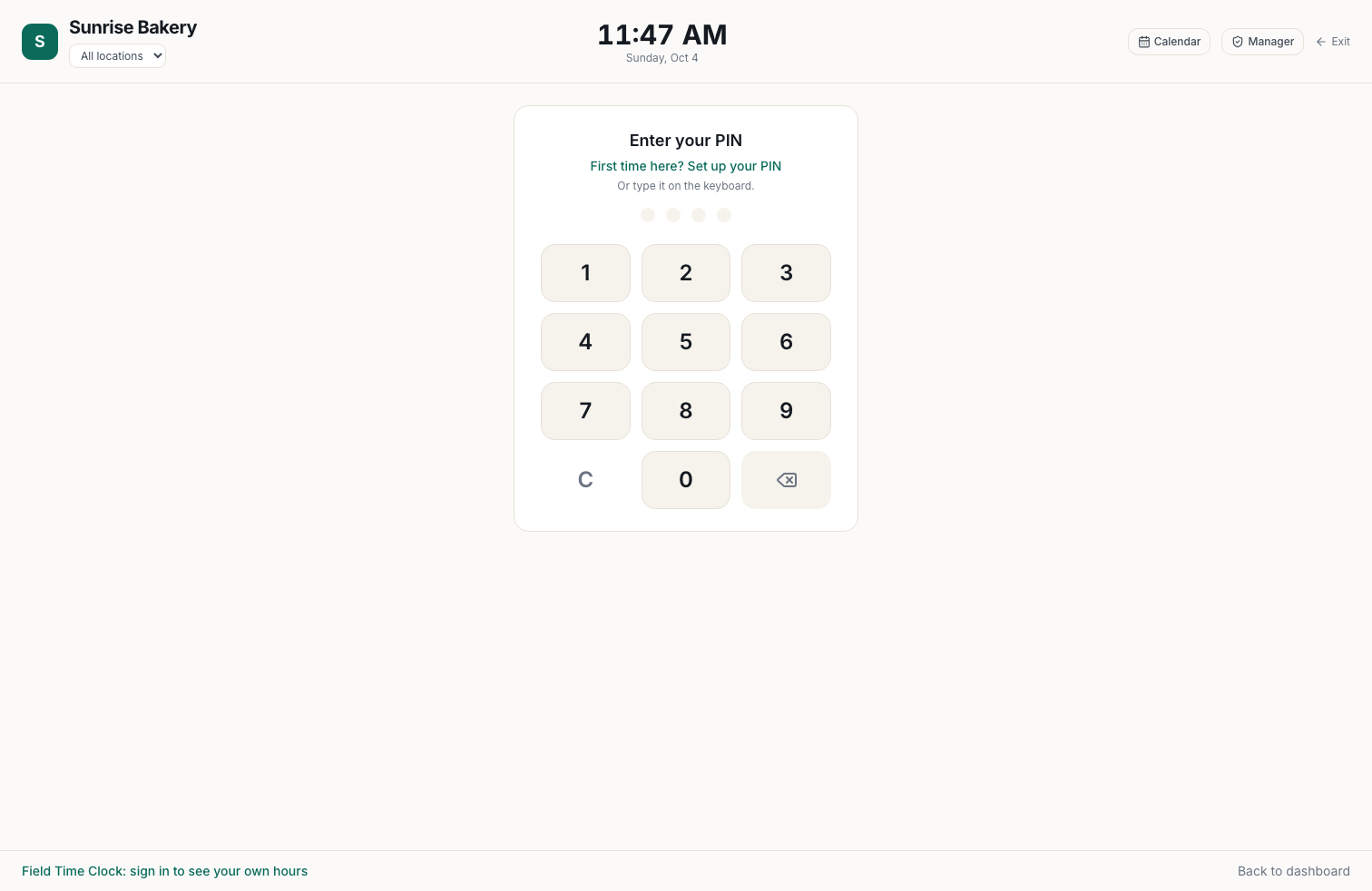
Every break paid or unpaid by your rules, and the timesheet says why
- Start from your state's break and overtime law, then change anything.
- A long break pays its limit and no more: "Break ran 14 min; 10 min is paid, 4 min unpaid."
- Unpaid time comes off before overtime, and night shifts count on the day they start.
PayrollNew
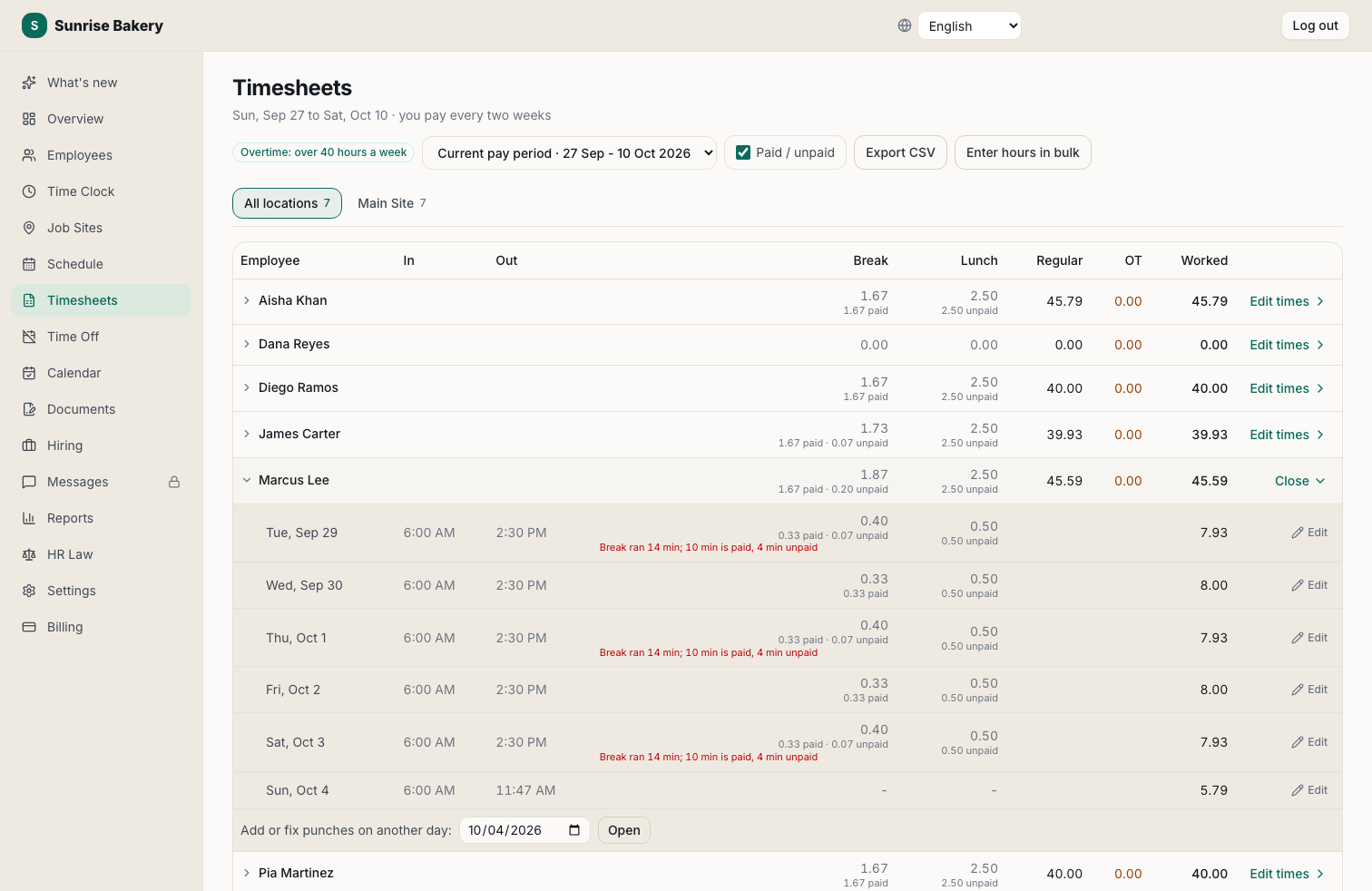
Hours straight into Paychex Flex
- Download the Payroll Upload file Paychex Flex imports as it is.
- Paid time off under your own Paychex names; raises part way through a period split at the right rate.
- Not on Paychex? Export to QuickBooks, Gusto, ADP or a spreadsheet.
SchedulingNew
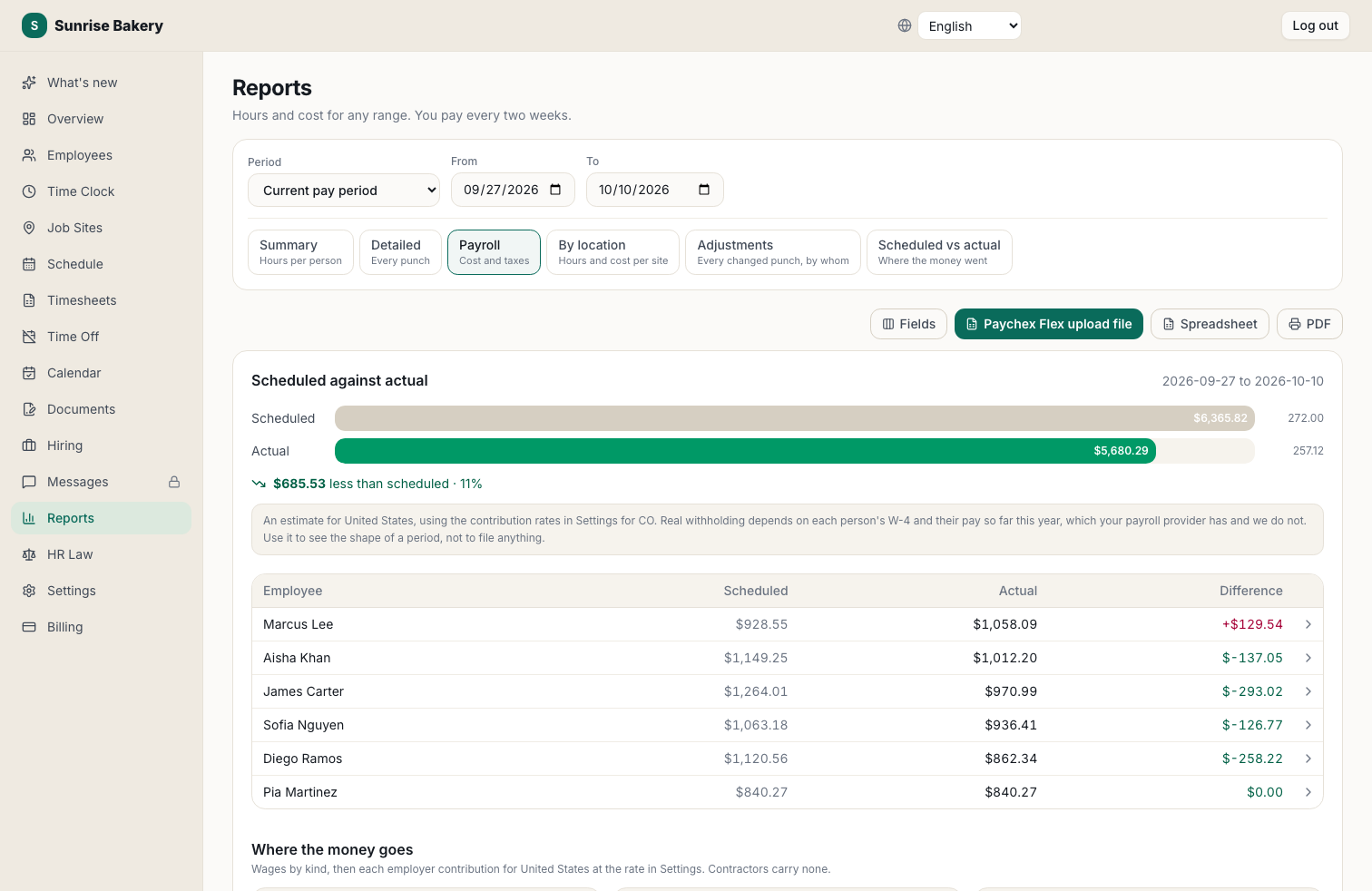
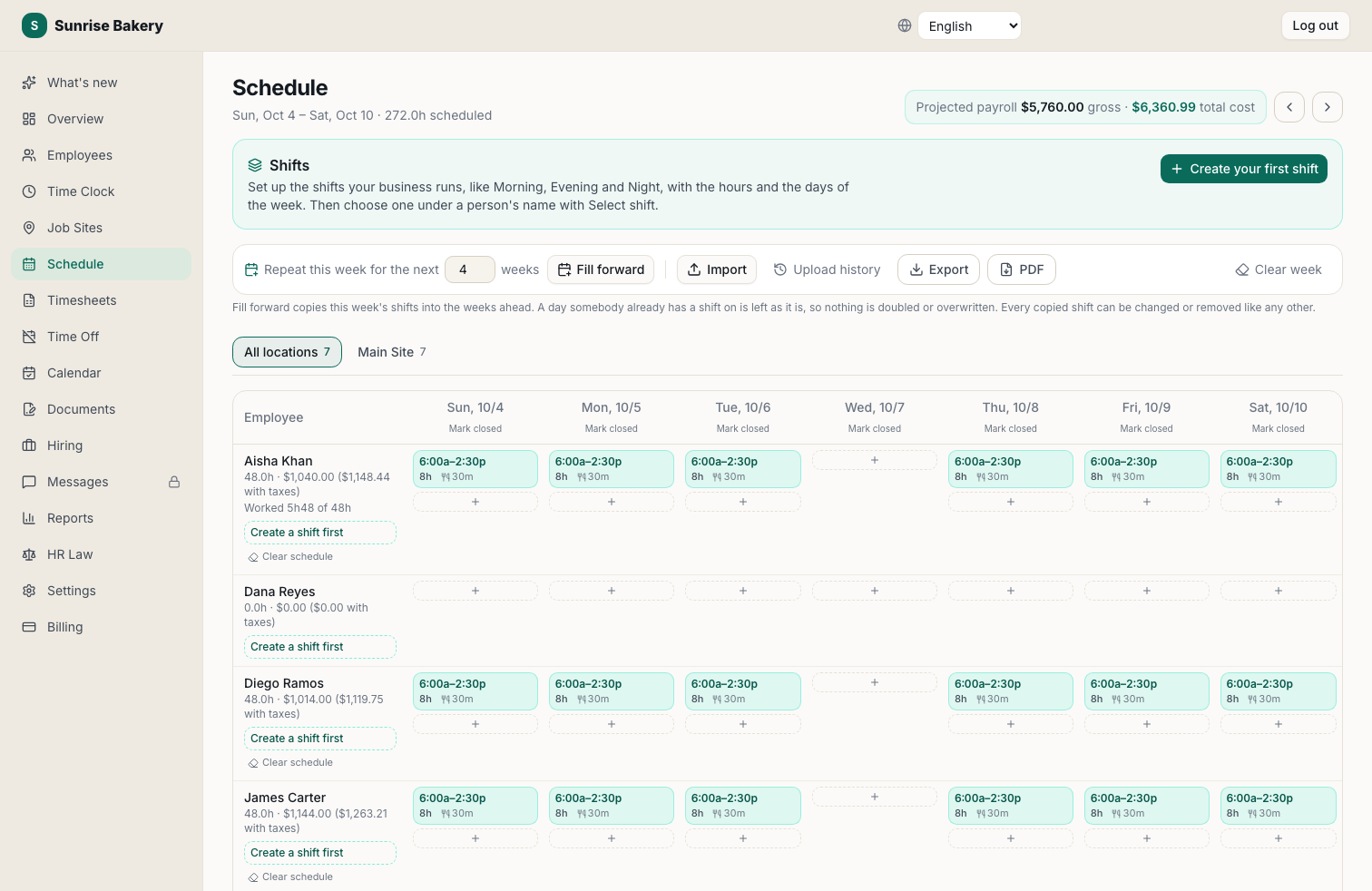
Build the week in minutes, then compare it to what was worked
- Named shifts with their own hours each day, and a default shift for each person.
- Copy any week forward, print it, or import the one you keep in a spreadsheet.
- Projected payroll as you schedule, and hours worked against hours scheduled.
HiringNew
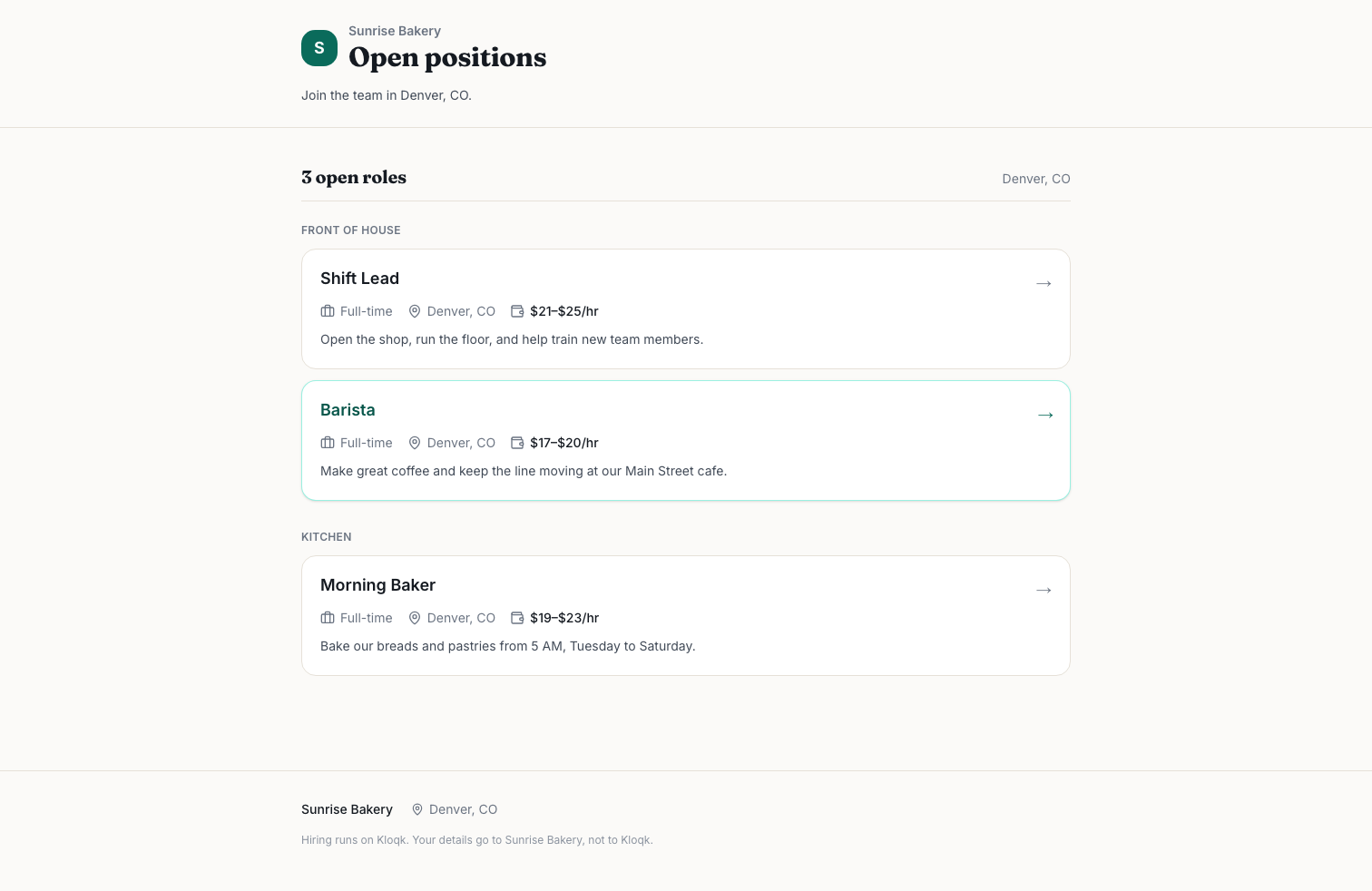
A careers page in your colors, and hiring in one step
- Post from job templates, choose what applicants answer, and write postings in 8 languages.
- Track applicants from applied to hired, then hire in one step onto the time clock.
- Free, with Google for Jobs markup so openings get found.
Off-site and mobile
Punch from the field, verified by GPS
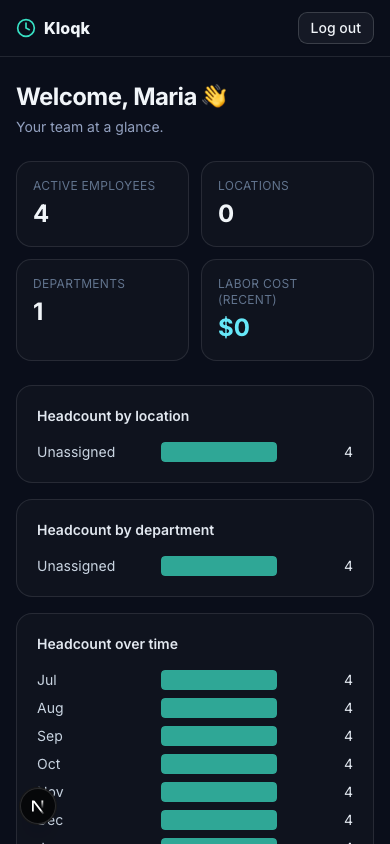
- Remote and job-site staff clock in from their own phone, right in the browser, free.
- Geofencing confirms they're actually on site before the punch counts, on Premium.
- Every mobile punch is stamped with the time and location you can audit later.
Manage the team
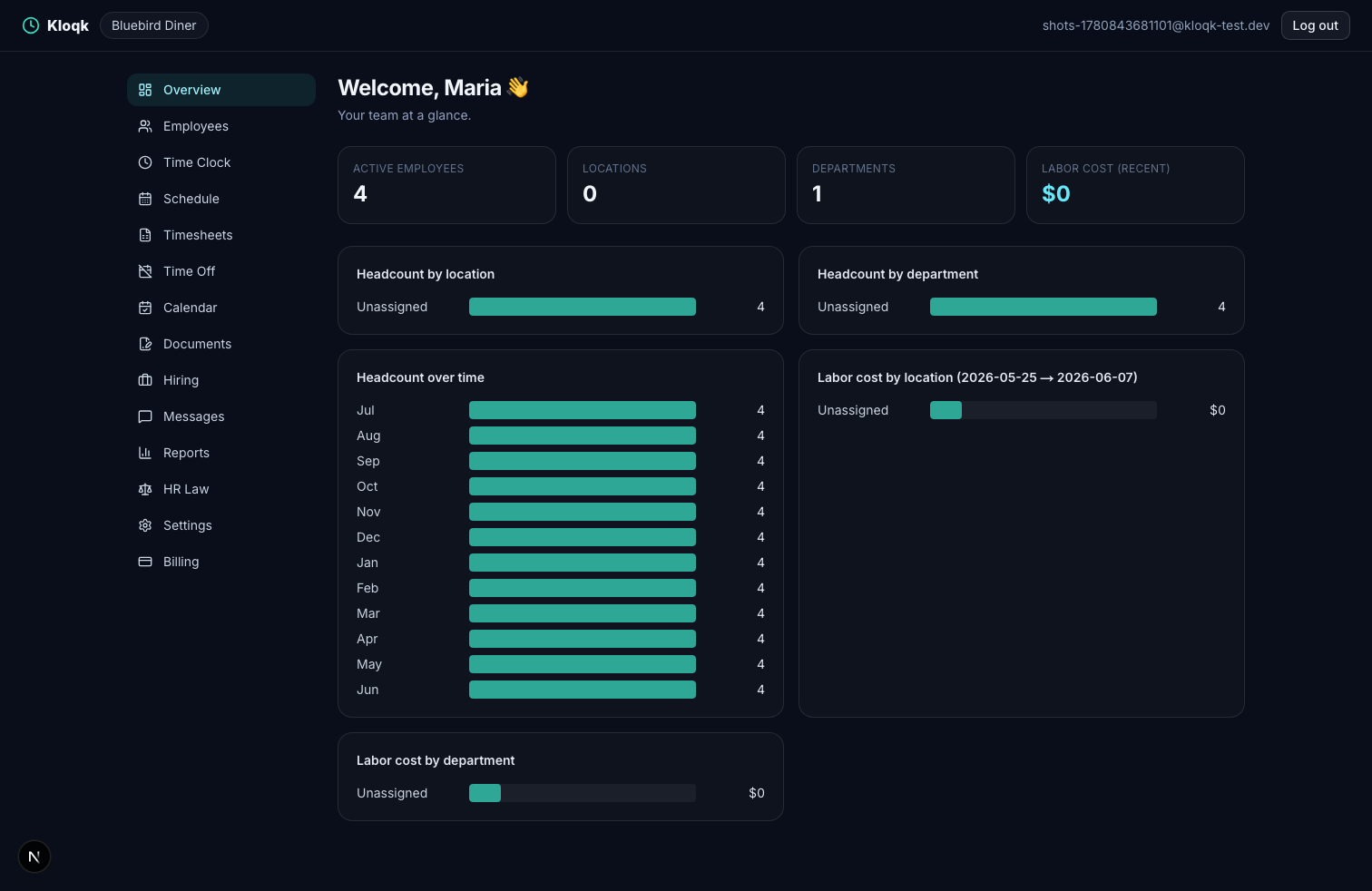
Your whole team at a glance
- Hours, labor cost and who's in today, on one overview, with the office calendar beside it.
- Give managers their own access to run the floor on Pro, with pay hidden unless you allow it.
- Reports that show exactly where your hours and payroll dollars go.
Every feature
The full toolkit. Scheduling, time off, hiring and the careers page are free too; upgrade only for more locations, e-signature or GPS.
Free time clock
Unlimited employees, kiosk + mobile punch, overtime done right, actually free, not a trial.
For small business
Everything a small business needs to track hours, free to start, no IT, no contract.
Kiosk app
A shared time clock by your door: staff type a 4-digit PIN, and you decide whether the wall shows the team or only the PIN pad.
GPS & geofencing
Crews punch from their phones. Each punch records where it happened, is matched to a job site you added by address, and is flagged if it was made anywhere else.
Job site time clock
Add a job site by address with the days it runs. Every punch from the crew's phones is matched to the site they were on, and hours come out by site for payroll and invoices.
Stop buddy punching
Buddy punching quietly inflates payroll. A photo and GPS on every punch makes it stop.
Photo punch
Every clock-in captures a quick webcam photo, so you always know who punched.
Online time clock
Employees clock in online from any browser, on a tablet, phone, or computer. Nothing to download.
Time tracking
From clock-in to payroll-ready hours, tracked automatically, with no manual math.
Overtime & break tracking
Pick your state, and Kloqk sets the overtime and break rules for you. Every break is paid or unpaid by those rules, and the timesheet says why.
Scheduling
Plan shifts, share the schedule, and compare it to the hours your team actually works.
PTO tracking
Time-off requests, approvals, and balances, without the spreadsheet.
Attendance
Know who's here, who's late, and who's out, with accurate hours feeding payroll.
Paychex time clock
Staff clock in on any tablet. At the end of the period, download one file and import it into Paychex Flex as it is.
Multi-location
One dashboard for every location, separate kiosks, combined reporting.
Remote teams
Your team clocks in from anywhere, and you know exactly where from.
Punch clock
The punch clock, reinvented: a PIN tap on a tablet, no machine, no punch cards.
Clock in / out
Employees clock in and out in one tap, on a shared tablet or their own phone.
Employee time clock
Everything an employee time clock should do, kiosk, mobile, overtime, exports, free.
Onboarding
Send new hires their paperwork, get it e-signed, and track every step, no printer, no chasing.
Hiring / ATS
Post a job, share your careers page, track applicants from applied to hired, and add your new hire to the time clock in one step.
Start tracking hours in 10 minutes
Unlimited employees. No contract. No IT. Free forever on the core time clock.
Start free