The Role of Mobile Timekeeping in Construction

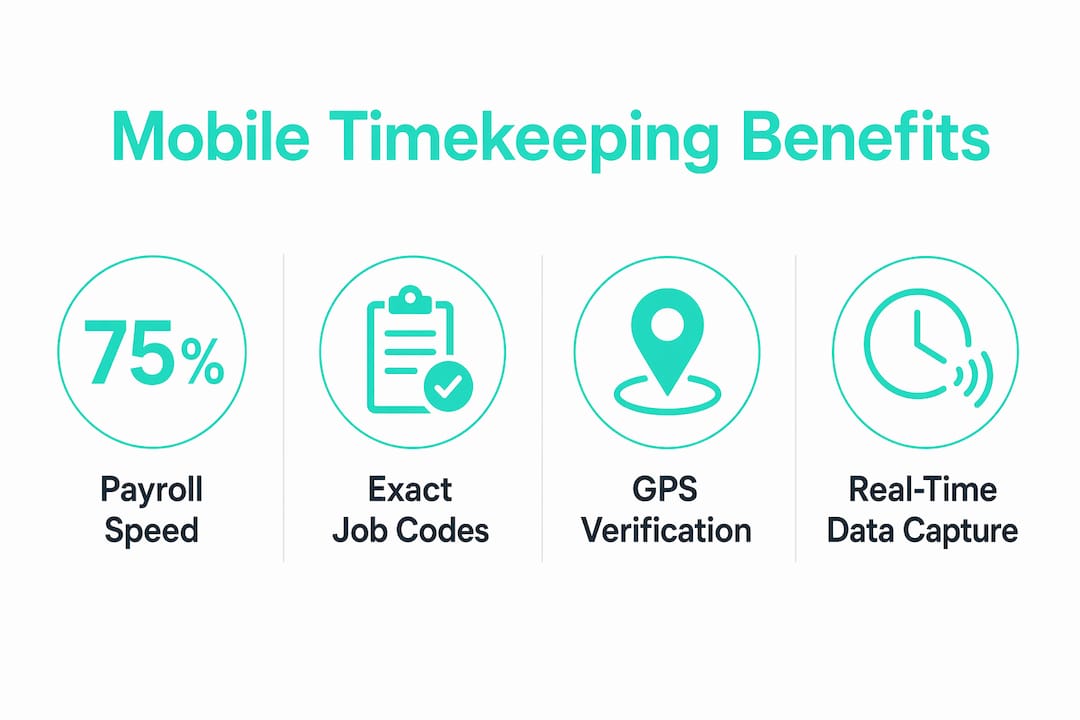
Mobile timekeeping in construction is the digital method by which workers record labor hours on-site using mobile devices, with every entry linked directly to a specific job and cost code. This practice replaces paper timesheets with real-time data capture, giving construction managers accurate, payroll-ready records from the moment a crew member clocks in. Tools like JOBPOWER’s JPMobile and ClockShark have made mobile time tracking in construction a standard expectation rather than a luxury. The benefits are concrete: faster payroll processing, stronger compliance, and a clear view of labor costs across every active project.
What is the role of mobile timekeeping in construction?
Mobile timekeeping is the foundation of accurate labor cost management on any job site. Without it, construction managers rely on paper timesheets, manual spreadsheets, or end-of-week memory recalls, all of which introduce errors that compound over a project’s life. The core role is to stop chasing paper timesheets by letting workers enter hours via a mobile app linked directly to payroll systems. That single shift removes the most common source of payroll inaccuracy in the field.
The importance of mobile timekeeping goes beyond convenience. Every hour logged on a mobile device carries a timestamp, a job code, and often a GPS coordinate. That data becomes the backbone of job costing, client billing, and compliance reporting. Construction managers who adopt mobile time tracking gain visibility that paper-based systems simply cannot provide.

How does mobile timekeeping reduce errors and prevent time theft?
Paper timesheets fail in predictable ways. Workers round up hours, supervisors misread handwriting, and office staff re-enter data manually, creating a chain of errors before payroll even runs. Mobile timekeeping breaks that chain at every link.
The accuracy improvements are direct and measurable:
- Eliminated manual re-entry. Workers clock in on their phones, and the data flows directly to payroll without a second transcription step.
- GPS-verified clock-ins. Systems like JPMobile include a real-time GPS map that confirms a worker’s location at clock-in, removing disputes about whether someone was actually on site.
- Geofencing enforcement. A geofence draws a virtual boundary around a job site. Workers outside that boundary cannot clock in, which blocks unauthorized time capture before it happens.
- Buddy punching prevention. Photo verification at clock-in, a feature offered by Kloqk, requires a worker to take a live photo when clocking in. That photo is tied to the time entry, making it nearly impossible for one worker to clock in for another.
- Supervisor approval workflows. Many mobile systems require a supervisor to review and approve time entries before they reach payroll, adding a human checkpoint to catch anomalies.
Pro Tip: Configure your geofence radius to match the actual footprint of the job site, not just the address. A radius that is too wide defeats the purpose; one that is too tight will flag legitimate clock-ins near the site boundary.
The combined effect of these features is a time record that reflects what actually happened on site. That accuracy protects both worker pay and project margins.
How does mobile timekeeping support compliance and auditability?
Construction compliance failures almost always trace back to the same root cause: labor hours that cannot be mapped to specific jobs. Auditors require hours tied to job codes for compliance, and manual systems routinely fail this test. A spreadsheet updated on Friday afternoon from memory does not constitute an auditable record.
Mobile timekeeping solves this by capturing the date, job code, cost code, and hours in real time at the moment of clock-in. That data is stored automatically, creating an audit trail from day one without any extra administrative effort.
| Feature | Manual timekeeping | Mobile timekeeping |
|---|---|---|
| Job code attachment | Applied after the fact, often incorrectly | Captured at clock-in, linked to the job |
| Timestamp accuracy | Self-reported, rounded | System-generated, exact |
| Audit trail | Reconstructed from paper or memory | Automatic, date-stamped records |
| Error correction | Requires manual review and re-entry | Flagged in real time for supervisor approval |
| Compliance readiness | Periodic, labor-intensive | Continuous, built into daily workflow |
Enforcing job codes and timestamps transforms compliance from a periodic burden into routine practice. That shift greatly reduces audit stress because the records are always current.
Pro Tip: Set up all job codes and cost codes in your mobile system before the first worker clocks in. Retroactively assigning codes to existing entries is time-consuming and introduces the same errors you were trying to avoid.
Best practices for implementing mobile timekeeping on construction projects
The most common implementation mistake is trying to deploy every feature at once. A phased approach produces better data quality and higher crew adoption.
Start with a pilot crew or project before enabling advanced features like geofencing and payroll integrations. Measure three things during the pilot: payroll processing time, error rates, and labor cost visibility. Those metrics tell you whether the system is working before you scale it across the entire company.
Pre-configuring jobs and cost codes before the first clock-in is non-negotiable. Starting with pre-configured jobs prevents early data quality failures that create downstream corrections or force supervisors to bypass the system entirely. Once basic clocking is working cleanly, add geofencing. Once geofencing is stable, connect the payroll integration.
Common pitfalls to avoid during rollout:
- Skipping crew training. Workers who do not understand the app will find workarounds. A 20-minute walkthrough on day one prevents weeks of bad data.
- Launching without offline capability confirmed. Construction sites often have poor cellular coverage. Confirm your app caches time entries locally and syncs when connectivity returns.
- Ignoring supervisor buy-in. Field supervisors are the enforcement layer. If they do not understand the approval workflow, entries will pile up unreviewed.
- Setting geofences before testing them. Walk the site boundary with the app open before going live. Adjust the radius based on real GPS readings, not assumptions.
The goal of the pilot phase is to prove the system works for your specific sites and crews before committing the whole organization.
What operational benefits does mobile timekeeping deliver?
The operational case for mobile time tracking in construction is built on three measurable outcomes: faster payroll, better labor cost visibility, and earlier detection of budget overruns.
One company reduced payroll processing by 75% after adopting mobile timekeeping. That figure reflects the elimination of manual data re-entry, the removal of timesheet collection delays, and the reduction of correction cycles before payroll runs. Time that payroll staff previously spent chasing down paper gets redirected to higher-value work.
| Operational area | Before mobile timekeeping | After mobile timekeeping |
|---|---|---|
| Payroll processing time | High, due to manual re-entry | Reduced significantly |
| Labor cost visibility | End-of-week or end-of-project | Real time, by job and crew |
| Budget overrun detection | Discovered after the fact | Flagged during the project |
| Payroll accuracy | Subject to rounding and re-entry errors | Tied to verified clock-in data |
Integrating mobile timekeeping with payroll platforms like QuickBooks, ADP, or Sage takes the efficiency gain further. Leading construction apps import approved time directly into payroll systems, eliminating re-entry entirely. Field supervisors and office managers both gain a real-time view of crew hours and locations, which makes labor cost conversations between the field and the office far more productive.
Accurate, location-verified time tracking also protects worker pay. When every hour is tied to a verified clock-in, workers know their pay reflects actual time worked. That transparency reduces disputes and builds trust between crews and management.
Key Takeaways
Mobile timekeeping in construction delivers accurate, job-coded labor records in real time, making it the single most effective tool for payroll accuracy, compliance, and labor cost control on any job site.
| Point | Details |
|---|---|
| Real-time job-code capture | Clock every hour to a specific job and cost code at the moment of entry, not after the fact. |
| GPS and geofencing prevent time theft | Location-verified clock-ins block buddy punching and unauthorized entries before they reach payroll. |
| Compliance is built in daily | Mobile systems create an automatic audit trail, removing the need to reconstruct records before an audit. |
| Pilot before full deployment | Start with one crew, confirm offline capability, and pre-configure all job codes before scaling. |
| Payroll integrations multiply the gain | Connecting to QuickBooks, ADP, or Sage eliminates re-entry and cuts payroll processing time significantly. |
What I’ve learned from watching construction teams adopt mobile timekeeping
The teams that struggle with mobile timekeeping adoption almost always share one trait: they tried to solve too many problems at once. They launched geofencing, payroll integration, and photo verification on the same day, then blamed the technology when the data came back messy. The technology was not the problem. The rollout was.
The teams that succeed start with one simple question: can every worker clock in and out against the right job code? That is it. Get that working cleanly for two weeks on one crew. Then add geofencing. Then connect payroll. The phased deployment approach is not a workaround for a weak system. It is the correct way to build data quality from the ground up.
The compliance angle is underrated. Construction managers often think about mobile timekeeping as a payroll tool. It is also an audit defense tool. I have seen projects where a client dispute over labor hours took weeks to resolve because the records were reconstructed from memory and paper. A mobile system with job-coded entries and GPS timestamps resolves that dispute in an afternoon.
Worker fairness matters more than most managers admit. When crews know their hours are tracked accurately and tied to verified clock-ins, pay disputes drop. Workers who trust the system show up on time and clock out honestly. That behavioral shift is worth more than any single feature on the spec sheet.
The one thing I would tell every construction manager starting this process: configure your jobs and cost codes before anyone touches the app. That single step prevents more downstream problems than any other decision you will make.
Saad
Kloqk’s free mobile timekeeping tools for construction teams
Construction managers who want to put these practices to work immediately have a direct path with Kloqk. Kloqk’s free construction time clock includes GPS geofencing, photo verification at clock-in, and payroll-ready exports at no cost. There are no per-seat fees and no paywalls on core features.
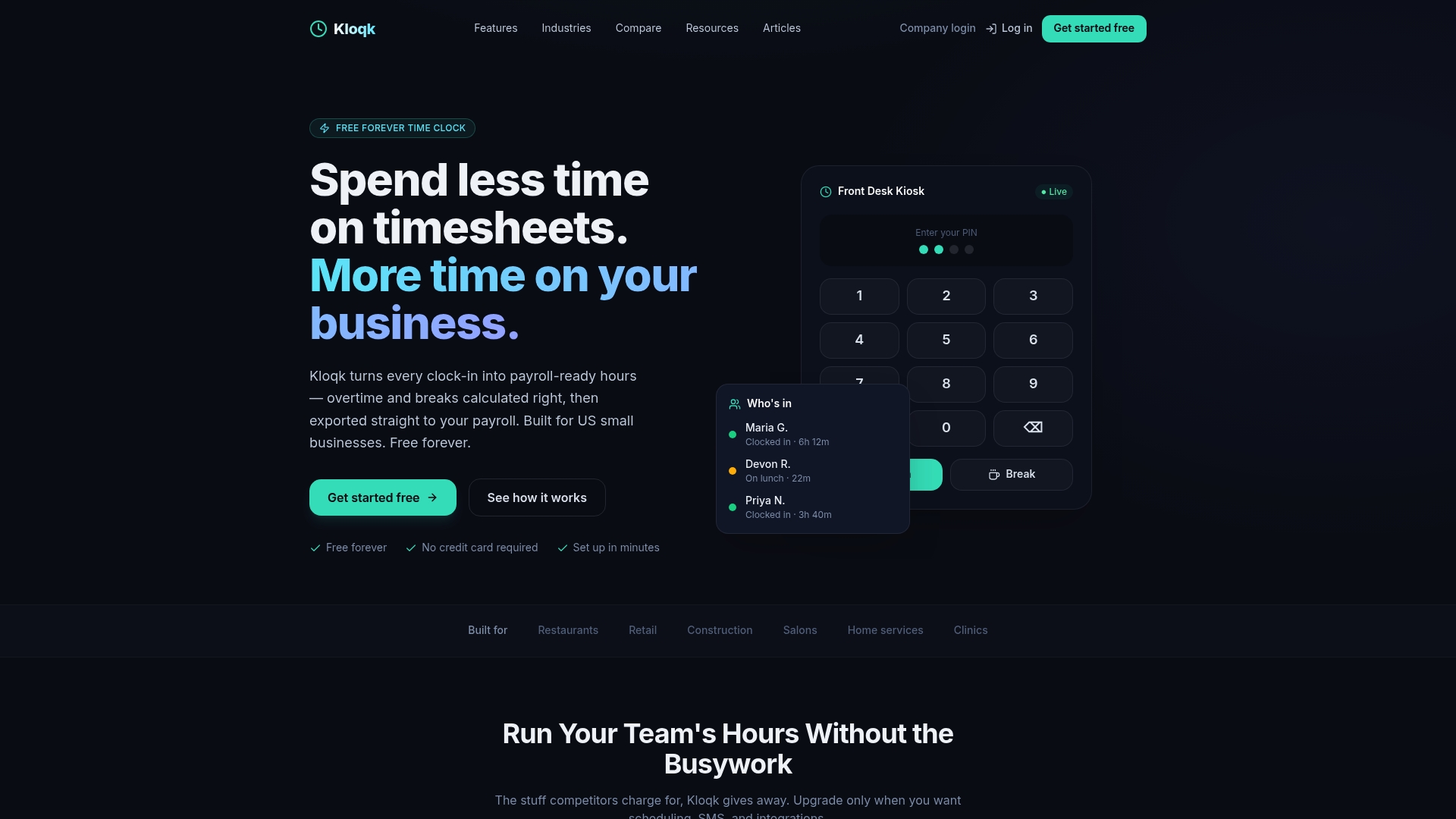
Kloqk’s employee time tracking app handles overtime calculations, break tracking, and direct payroll exports, giving construction managers the compliance and accuracy tools described in this article without adding to the budget. Start with one crew, configure your job codes, and let Kloqk prove the model before you scale.
FAQ
What is mobile timekeeping in construction?
Mobile timekeeping in construction is the practice of recording worker hours on a mobile device, with each entry linked to a specific job and cost code. It replaces paper timesheets with real-time, GPS-verified digital records.
How does GPS geofencing prevent time theft on job sites?
GPS geofencing creates a virtual boundary around a job site and blocks clock-ins from workers outside that boundary. This prevents buddy punching and unauthorized time entries before they reach payroll.
Why do auditors require job-coded time records?
Auditors need to verify that labor hours are tied to specific jobs for billing, tax, and compliance purposes. Mobile timekeeping captures job codes at the moment of clock-in, creating an audit-ready record automatically.
What is the best way to roll out mobile timekeeping on a construction project?
Start with a pilot on one crew, pre-configure all job codes before the first clock-in, and confirm the app works offline. Add geofencing and payroll integrations only after basic clocking is running cleanly.
Does mobile timekeeping work without internet on job sites?
Yes, offline-capable mobile timekeeping apps cache time entries locally when there is no signal and sync automatically when connectivity returns. Confirming offline capability before deployment is a critical step for construction sites with poor cellular coverage.
Recommended
Sources
Every figure on this page traces to one of these. Primary law and government sources are listed first.
Written by
Priya NairPeople Operations Writer
Priya focuses on HR and hiring for small teams, onboarding, scheduling people fairly, and the day-to-day of managing hourly staff without an HR department.
Keep Reading
Track Hours the Easy Way
Kloqk is a free time clock that handles punches, breaks, overtime, and payroll-ready reports.
Start free