Field Service Dispatch: Time Tracking for Mobile Teams

The best fix for hourly mobile teams is a GPS-enabled mobile time clock that combines geofencing, photo verification, and one-click payroll exports. That combination stops time theft at the source, turns raw clock-ins into payroll-ready hours automatically, and gets a small crew running in days, not months. Fair Labor Standards Act (FLSA) recordkeeping rules do not mandate a specific system, so the Department of Labor’s sample timekeeping format works as a baseline. Kloqk builds all three pieces into its free tier, which is why it fits owners of restaurants, construction crews, retail stores, clinics, and salons who need this solved now, not eventually.
Here is why this approach beats the alternatives:
- It prevents time theft by tying clock-ins to a physical location, not an honor system.
- It produces payroll-ready timesheets with overtime and break math already done.
- It deploys fast. A single crew or shift can pilot it in a relatively short time.
Key Takeaways
A GPS-enabled mobile time clock with geofencing, photo verification, and payroll export solves time theft and payroll accuracy for small hourly teams simultaneously.

| Point | Details |
|---|---|
| Location only at punch | Capture GPS at clock-in and clock-out only, never continuously, to limit legal exposure. |
| Geofence radius fits the site | Use a tight boundary for single storefronts and a broader one for large job sites. |
| Payroll export is non-negotiable | Confirm direct export to CSV, QuickBooks, or ADP before you commit to any vendor. |
| Keep the DOL-style record | Log daily in/out times, total hours, and overtime using a complete, accurate format. |
| Pilot before full rollout | Kloqk’s free GPS time clock, geofencing, and payroll export let a small crew test the full stack in a 7 to 14 day pilot before scaling company-wide. |
Table of Contents
- How Mobile GPS Time Tracking Actually Works
- What Should You Look for in a Field Time Clock?
- What Records Do You Actually Have to Keep?
- How Fast Can You Actually Roll This Out?
- What Most Advice on This Gets Wrong
- Try Kloqk’s Free GPS Time Clock First
- Frequently Asked Questions
- Sources
How Mobile GPS Time Tracking Actually Works
A worker opens an app or taps a kiosk, and the system logs the time along with a location snapshot. That is the entire event. Good systems capture GPS coordinates only at the moment of clock-in and clock-out rather than tracking someone’s phone all day, which is both less invasive and less likely to spook employees.
Geofencing draws a virtual boundary around a job site, so the app either allows or blocks the punch depending on whether the phone is inside that zone. Radius sizes vary by context: a single storefront might use a tight 50 to 100 meter boundary, while a construction outfit covering a large lot needs something broader.
Photo verification and kiosk punches solve a different problem: buddy punching, where one employee clocks in for another. This additional verification closes that gap without adding friction. This additional verification closes that gap without adding friction.
Once the punch lands, the software does the rest:
- Automatically tags the entry to a job site or job code.
- Calculates overtime and unpaid breaks against your state’s rules.
- Exports a payroll-ready file in formats like CSV, QuickBooks, or ADP.
What Should You Look for in a Field Time Clock?
Most vendors will pitch you on flash. Ignore that and check the fundamentals first, because a broken payroll export on a Friday afternoon is worse than a missing dashboard widget.
Core feature checklist:
- Configurable geofencing with adjustable radius per job site.
- Photo verification or kiosk mode to stop buddy punching.
- Direct payroll export (CSV, QuickBooks, ADP, or similar).
- Automatic overtime and break calculation built into the timesheet, not bolted on.
- Offline mode for job sites with weak signal.
- A clear policy on whether employees use their own phones or company devices.
Integration and security questions to ask before you sign up:
- Does it export directly into your existing payroll provider, or do you need a manual step?
- Is there single sign-on or role-based access for managers versus staff?
- How long is time data retained, and can you pull records for an audit?
Usability matters more than most owners expect going in. A clock-in that takes 15 seconds gets used correctly; one that takes 90 seconds gets skipped, worked around, or blamed for lateness. Ask to see the admin side too. You want a dashboard where a manager can fix a missed punch in two taps, not five menus deep.
Pricing deserves a hard look. Many providers treat overtime math, break tracking, and payroll exports as premium add-ons, which means the “free” plan you signed up for suddenly needs a credit card the week before your first payroll run. Ask directly whether payroll export and API access carry hidden fees, and get that answer in writing.
Red flags that should send you elsewhere:
- No visible payroll export option anywhere in the product.
- Continuous background GPS tracking with no clear opt-in step.
- A vague or missing data-retention policy when you ask about audits.
What Records Do You Actually Have to Keep?
The Department of Labor does not require a specific timekeeping format. It only requires that whatever method you use is complete and accurate. That means daily in and out times, total hours per day and per week, and overtime calculations, all documented somewhere you can retrieve them.
A simple version of the DOL’s own sample format looks like this:
Beyond the raw hours, keep a checklist of what belongs in your files:
- Signed timesheets or their digital equivalent from your software.
- Payroll export files for each pay period, not just a running total.
- Job-tag or job-code records if you bill clients or track job costs.
- A signed employee acknowledgment of your geofencing and location policy.
On that last point: many states expect written consent when you track location on an employee’s personal device, and best practice limits GPS capture strictly to work hours.
Pro Tip: Capture location only at the clock-in and clock-out moment, never continuously, and keep a signed acknowledgment of your geofencing policy on file. That single habit does more to reduce legal exposure than any feature you’ll pay extra for.
How Fast Can You Actually Roll This Out?
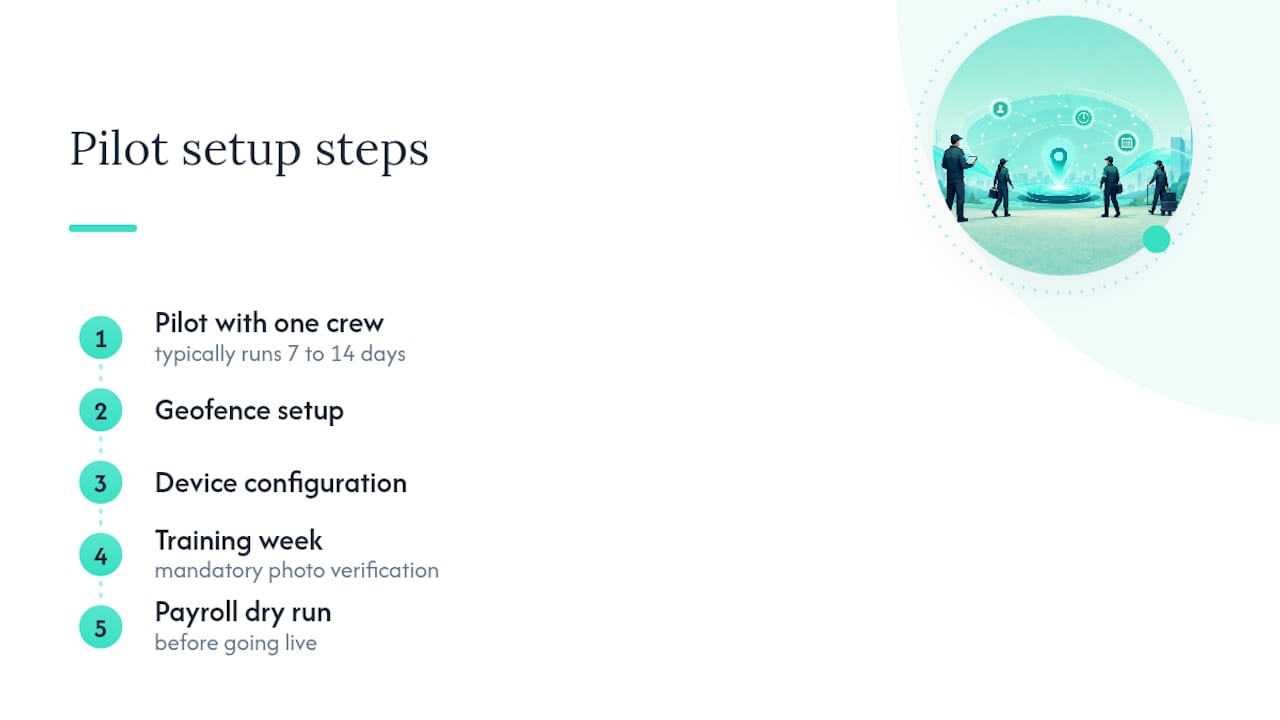
Two weeks is realistic for a crew of five to fifty, and most of the work happens in the first four days.
- Days 1 to 2: Pick a pilot group, one shift or one job site works fine, and map out your geofence boundaries for each location.
- Days 3 to 4: Install the app on employee phones or set up a kiosk, and confirm location permissions are set to “while using the app,” not “always.”
- Days 5 to 7: Train the pilot group, require photo verification for the first week without exception, and post your written location policy for sign-off.
- Days 8 to 10: Run a payroll dry run using exported data from the pilot, before anyone’s real paycheck depends on it.
- Days 11 to 14: Fix whatever broke in the dry run, then expand to the rest of the team and go live.
Pro Tip: Run the pilot on your smallest, most tech-comfortable crew first. Permission errors and GPS quirks show up fast in a small group, and you’ll catch them before they hit your entire staff on a real pay period.
What Most Advice on This Gets Wrong
Most guides treat time tracking like a feature-shopping exercise: more dashboards, more integrations, more automation, all good. That framing misses what actually breaks small businesses. It’s not a missing feature. It’s the gap between “we bought software” and “our payroll numbers are actually correct on the first try.”
The conventional advice pushes owners toward continuous GPS tracking because it sounds more thorough. It usually backfires. Employees resent being tracked all day, and continuous tracking creates more legal exposure than it solves, not less. Capturing location only at the punch itself does the actual job, verifying someone was on site, without turning your time clock into a surveillance tool your staff quietly hates.
If you take one thing from this, prioritize the boring stuff first: a geofence that actually matches your job site, a payroll export that opens cleanly in your existing system, and a signed policy on file. The flashy features can wait. The plumbing cannot.
Try Kloqk’s Free GPS Time Clock First
Kloqk was built around the exact checklist above, not as an afterthought. The free plan includes GPS-enabled clock-ins with configurable geofencing, photo verification to stop buddy punching, and payroll-ready exports with overtime and break math already calculated. That’s the core stack most competitors charge for, available before you enter a card number.

For a construction crew or a restaurant with rotating shifts, the practical win shows up in job costing: clock-ins tag automatically to a job site, so your labor cost reports build themselves instead of requiring a Friday afternoon spreadsheet reconciliation. Offline mode keeps punches working at sites with weak signal, and the free time tracking core upgrades cleanly if you later need scheduling or PTO tools.
Start a 7 to 14 day pilot with one crew using Kloqk’s remote GPS time clock and run your first payroll export before committing your whole team to it.
Frequently Asked Questions
Does field service dispatch time tracking require continuous GPS tracking? No. Best practice captures location only at the moment of clock-in and clock-out, which satisfies job-site verification without tracking someone’s location all day.
What records do I need to keep for hourly field employees? You need daily in and out times, total hours worked, and overtime calculations kept in a complete and accurate format, per FLSA recordkeeping rules. The specific format is your choice.
Is geofencing legal for tracking employee clock-ins? Yes, geofencing is generally legal when employees are notified of the policy and, for personal devices, provide consent. Many states require that acknowledgment in writing.
How long does it take to set up GPS time tracking for a small crew? A pilot with one crew or shift typically runs 7 to 14 days, covering geofence setup, device configuration, a training week with mandatory photo verification, and a payroll dry run before going live.
Can I use free time tracking software and still get payroll-ready exports? Yes. Kloqk’s free tier includes overtime and break calculations along with payroll export, features that many competitors charge for separately.
Sources
Recommended
Sources
Every figure on this page traces to one of these. Primary law and government sources are listed first.
- 1. U.S. Department of Laborprimary
Written by
Sam TolbertWorkforce Operations Editor
Sam writes about scheduling, shift work, and the software that runs an hourly workforce, what actually saves time on the floor versus what just adds clicks.
Keep Reading
Track Hours the Easy Way
Kloqk is a free time clock that handles punches, breaks, overtime, and payroll-ready reports.
Start free