What Does Off-Site Clock-In Mean for Your Business?

Off-site clock-in is defined as the digital process of recording employee work hours from a location outside a fixed office or physical time clock, using GPS, Wi-Fi, or selfie verification to confirm authenticity. This method, formally called remote time tracking in workforce management, replaces paper timesheets and manual punch cards for distributed teams. The Fair Labor Standards Act (FLSA) requires accurate time records for all non-exempt workers, whether they work on a job site, at home, or at a client location. Systems like Kloqk handle this automatically, syncing timesheets in real time and cutting manual verification entirely. For small businesses managing field crews, restaurant staff, or remote employees, understanding off-site clock-in is the first step toward payroll accuracy and legal compliance.
What does off-site clock-in mean, and how does it work?
Off-site clock-in means an employee logs their start and end times through a mobile app or web portal instead of a physical punch clock. The system captures location data at the moment of clock-in to verify the employee is at an approved worksite. This is the core of what is clocking in remotely: the time record is digital, location-stamped, and immediately available to managers.
The process relies on three main technologies working together. GPS satellites pinpoint the employee’s coordinates. Wi-Fi network detection confirms the device is connected to a known location, such as a home office router or a job site network. Photo verification adds a visual layer by requiring the employee to take a selfie at clock-in, which the system logs alongside the timestamp. Mobile tools capture coordinates within 5 meters in about 1 second after the employee initiates the clock-in. That speed means the process adds no meaningful friction to the start of a shift.
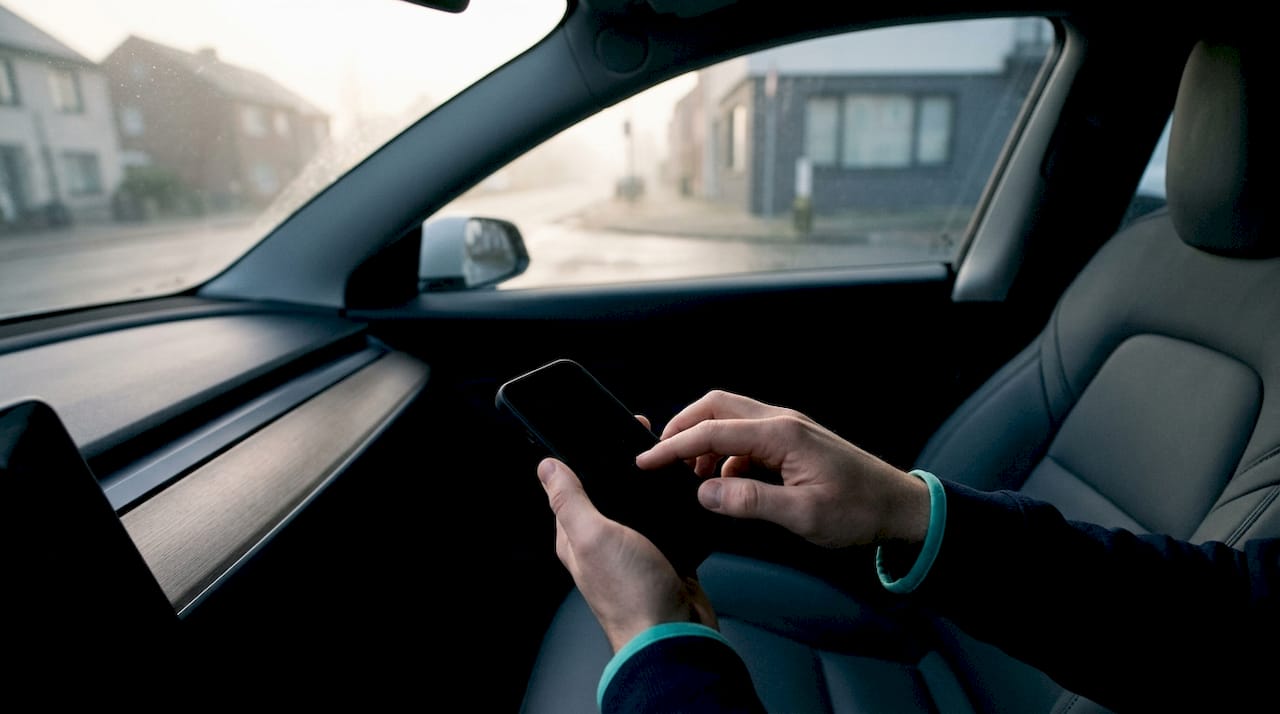
The off-site attendance meaning goes beyond simple location logging. The system creates a verified, timestamped record that feeds directly into payroll calculations, overtime rules, and break tracking. No manager needs to manually review a paper timesheet or chase down missing punches.
How do geofencing and verification technologies power remote clock-ins?
Geofencing is the technology that draws a virtual boundary around an approved work location. When an employee opens the clock-in app, the system checks whether the device sits inside that boundary before accepting the punch.
Here is how the process works step by step:
- Admin defines the geofence. A manager sets a radius, often 100 to 300 feet, around a job site, office, or approved home address. Kloqk’s GPS time clock lets admins configure these boundaries without technical expertise.
- Employee opens the app and taps clock-in. The app requests the device’s current GPS coordinates and checks them against the approved boundary.
- Wi-Fi validation runs as a backup. Combining GPS with Wi-Fi addresses location verification shortcomings when GPS signals are weak indoors, such as in a basement office or a dense urban building.
- The system accepts or flags the punch. A clock-in inside the boundary records automatically. A clock-in outside the boundary triggers an attestation prompt.
- Attestation handles exceptions. Attestation lets employees provide a reason for clocking in beyond the geofence, such as working at a client site not yet added to the system. Attestation implementation significantly reduces HR workload related to flagged time punches because managers review written justifications instead of investigating each case manually.
- Home location pinning supports remote workers. Admins can approve a verified home address as a recognized geofence, so remote employees clock in from their home office without triggering exceptions every day.
Pro Tip: Set your home geofence radius slightly larger than the building footprint. GPS drift of a few meters is normal, and a tight boundary causes unnecessary exception flags for employees working from their living room.
What are the benefits of off-site clock-in for businesses and employees?
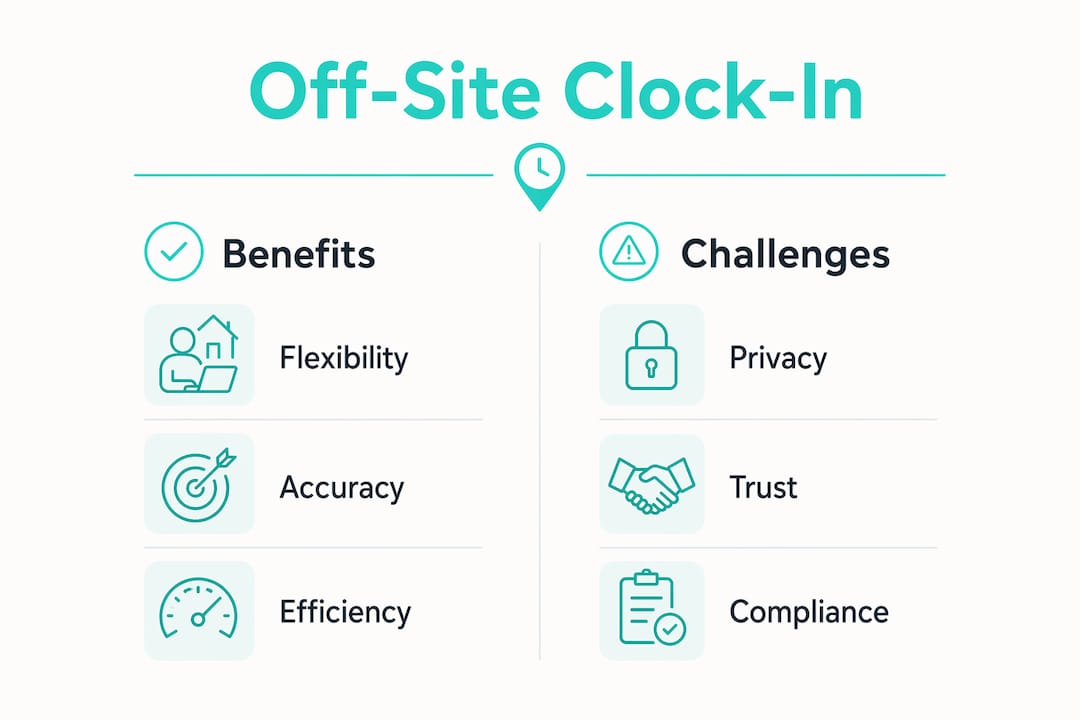
Off-site time tracking solves problems that paper timesheets and honor-system reporting cannot. The benefits split clearly between operational gains for businesses and practical protections for employees.
For businesses:
- Reduced time theft and buddy punching. GPS and photo verification confirm the right person clocked in from the right place. Kloqk’s photo verification feature links a selfie to every punch, making fraudulent clock-ins visible immediately.
- FLSA compliance for non-exempt remote workers. The FLSA requires accurate time records for remote non-exempt workers, and exempt employees’ tracking is optional but supports workload visibility and work-life boundaries. Digital records satisfy this requirement without manual data entry.
- Real-time visibility for managers. A manager overseeing a construction crew across three sites can see who is on the clock, where, and for how long, from a single dashboard.
- Fewer HR interventions. Automated geofencing and attestation workflows handle most exceptions without HR involvement. Flexible systems that allow attestation and combine geofencing with manual review reduce admin friction and improve operational efficiency.
For employees:
- Accurate pay. Every minute worked is recorded and tied to a verifiable location. Disputes over missing hours drop significantly.
- Work-life boundary support. Exempt employees who voluntarily track hours gain a clear record of their workload, which supports conversations about workload balance with managers.
- Transparency over surveillance. App-triggered clock-ins give employees control over when their location is captured, which builds trust in the system.
What challenges and privacy concerns come with off-site clock-in systems?
Off-site clock-in systems work well in most conditions, but several technical and human factors create friction during rollout.
Common challenges:
- GPS signal loss indoors. Satellite signals weaken inside buildings with thick concrete walls or underground spaces. Wi-Fi fallback helps, but sites without a known network still create gaps.
- Battery drain on personal devices. Continuous GPS location tracking drains device batteries and raises privacy concerns. Systems that capture location only at clock-in and clock-out events limit battery impact and improve adoption.
- Geofence boundary edge cases. An employee who parks 50 feet outside the designated boundary and walks to the site may trigger a false exception. Slightly larger geofence radii and clear policy guidance resolve most of these cases.
- Employee privacy and consent. Workers using personal phones reasonably ask what data the app collects and when. Employers must communicate clearly that location data is captured only at the moment of clock-in, not continuously throughout the shift.
- Urban canyon interference. Dense city environments with tall buildings reflect GPS signals, causing coordinate errors of 30 feet or more. Wi-Fi validation is especially important in these settings.
Pro Tip: Before launching any off-site tracking system, hold a 15-minute team meeting to explain exactly what data is collected, when it is collected, and who can see it. Employees who understand the system adopt it faster and flag fewer false exceptions.
Successful off-site tracking prioritizes employee trust by using app-triggered clock-ins instead of continuous background tracking. This single design choice addresses the majority of privacy objections before they become HR problems.
Best practices for implementing off-site clock-in in diverse workplaces
A well-planned rollout determines whether off-site time tracking becomes a reliable tool or a source of daily complaints. These steps apply whether you manage a five-person landscaping crew or a 50-person hybrid office team.
- Choose a system with attestation and exception workflows. Rigid geofencing without exception handling creates administrative friction. Flexible systems mixing location verification with exception workflows keep operations running when employees work at unplanned locations.
- Define and approve all geofences before launch. Map every regular worksite, including client locations and approved home offices. Kloqk’s mobile clock-in setup guide walks through this configuration for field-based businesses.
- Train employees on the app before day one. A five-minute walkthrough of the clock-in screen, the exception prompt, and the privacy settings eliminates most first-week support requests.
- Use app-triggered clock-ins, not automatic detection. App-triggered clock-ins provide transparency and better employee buy-in over fully automatic geofencing that runs in the background. Employees who control their own clock-in feel less monitored and more trusted.
- Combine GPS with Wi-Fi and photo verification. No single technology covers every environment. A system that layers GPS, Wi-Fi, and selfie verification catches gaps that any one method would miss.
The table below compares feature categories across different implementation approaches to help businesses choose the right fit.
| Feature category | Basic location apps | Full-featured systems like Kloqk |
|---|---|---|
| Location verification | GPS only | GPS + Wi-Fi + photo verification |
| Exception handling | Manual HR review | Attestation workflows |
| Payroll integration | Export required | Built-in payroll-ready export |
| Cost | Often per-seat fees | Free with no per-seat fee |
| Compliance support | Limited | FLSA and state labor law built in |
Key Takeaways
Off-site clock-in is the most reliable method for recording accurate work hours outside a fixed office, and it requires GPS, Wi-Fi, and attestation features to work correctly across diverse work environments.
| Point | Details |
|---|---|
| Core definition | Off-site clock-in records work hours digitally using GPS, Wi-Fi, or photo verification from any approved location. |
| FLSA compliance | Non-exempt remote workers must have accurate digital time records to meet federal labor law requirements. |
| Privacy best practice | App-triggered clock-ins capture location only at punch events, protecting employee privacy and improving adoption. |
| Attestation reduces friction | Exception workflows let employees explain off-geofence clock-ins, cutting unnecessary HR interventions. |
| Technology layering | Combining GPS with Wi-Fi validation solves indoor signal gaps that GPS alone cannot handle. |
Off-site clock-in has a trust problem that technology alone cannot fix
The systems work. GPS is accurate, Wi-Fi fallback is reliable, and attestation workflows handle the edge cases. What I have seen trip up rollouts repeatedly is not the technology. It is the conversation that never happened before launch.
Employees who find out their location is being tracked after the fact feel surveilled, even when the system only captures a single coordinate at clock-in. That reaction is understandable. The fix is simple: tell people exactly what the app does before they install it. Show them the privacy settings. Explain that the system records one location stamp per punch, not a continuous trail.
The businesses that get this right treat off-site clock-in as a tool that benefits both sides. Workers get accurate pay records they can verify. Managers get real-time visibility without micromanaging. That balance is achievable, but only when the policy conversation happens before the app does.
The future of remote work time management will likely add biometric and AI-based verification layers on top of GPS. That raises the stakes for getting the trust conversation right now, while the systems are still relatively simple.
Saad
Kloqk makes off-site time tracking free for small businesses
Small businesses managing field crews, remote staff, or multi-site operations often pay per-seat fees just to access GPS clock-in features. Kloqk removes that barrier entirely.

Kloqk’s free GPS time clock includes geofencing, photo verification, and overtime calculations at no cost, with no per-seat fees regardless of team size. The system exports payroll-ready hours directly, so you spend less time reconciling timesheets and more time running your business. For teams that need remote employee time tracking with built-in FLSA compliance, Kloqk is worth a look. Set up takes minutes, and your first payroll run will show the difference.
FAQ
What does off-site clock-in mean?
Off-site clock-in is the digital process of recording work hours from a location outside a fixed office, using GPS, Wi-Fi, or photo verification to confirm the employee’s presence at an approved worksite.
Is off-site time tracking required by law?
The FLSA requires accurate time records for all non-exempt workers, including remote employees. Digital off-site clock-in systems satisfy this requirement by creating verified, timestamped records automatically.
How does geofencing work for remote clock-ins?
Geofencing draws a virtual boundary around an approved work location. When an employee taps clock-in, the app checks whether the device is inside that boundary before accepting the punch.
Does off-site clock-in track employees all day?
No. Systems that use app-triggered clock-ins capture location only at the moment of clock-in and clock-out, not continuously. This approach limits battery drain and addresses employee privacy concerns.
What happens if an employee clocks in outside the geofence?
Most systems trigger an attestation prompt, asking the employee to explain the off-site location. A manager reviews the justification, which resolves the exception without a full HR investigation.
Recommended
Sources
Every figure on this page traces to one of these. Primary law and government sources are listed first.
Written by
Marcus ReyesPayroll & Timekeeping Specialist
Marcus covers payroll accuracy, timesheets, and time tracking, the unglamorous mechanics that keep paychecks correct and audits painless.
Keep Reading
Track Hours the Easy Way
Kloqk is a free time clock that handles punches, breaks, overtime, and payroll-ready reports.
Start free