How to Track Part-Time Worker Hours for Payroll

Tracking part-time worker hours is defined as the systematic recording of every clock-in, clock-out, and break taken by non-exempt employees to produce accurate payroll and meet federal labor requirements. The Fair Labor Standards Act (FLSA) requires employers to maintain accurate time records for all non-exempt workers, including part-time staff. Many managers assume part-time employees need less documentation than full-time workers. That assumption is wrong and expensive. Missed or inaccurate records create wage disputes, compliance penalties, and payroll errors that cost small businesses real money. The good news: modern part-time time tracking software turns a tedious manual process into an automated, audit-ready system.
What tools are best for tracking part-time worker hours?
Digital time tracking tools achieve approximately 99% accuracy compared to manual timesheets. That gap matters when a single missed punch can trigger an overtime violation or an underpayment claim. The right tool depends on your team size, work location, and payroll system.
Digital options
Mobile apps let part-time workers clock in from a phone, tablet, or kiosk. Web-based platforms give managers a live dashboard showing who is on the clock right now. Biometric time clocks use fingerprint or facial recognition to confirm identity at the punch. Each of these options creates a digital audit trail that paper never can.

Manual options
Pen-and-paper logs and spreadsheets still work for very small teams with predictable schedules. The problem is human error. A missed entry or a rounded hour adds up fast across a week of split shifts. Manual backup logs remain critical during system outages, but they should be a fallback, not a primary system.
The table below compares feature categories to help you evaluate any tool you consider.
| Feature category | Entry-level field apps | Mid-tier platforms | Full-featured platforms |
|---|---|---|---|
| Real-time clock-in/out | Yes | Yes | Yes |
| Automated overtime alerts | No | Yes | Yes |
| GPS geofencing | No | Sometimes | Yes |
| Photo verification | No | No | Yes |
| Payroll export | Manual | Semi-automated | Automated |
| Audit trail | Basic | Detailed | Detailed with flags |
Pro Tip: Connect your time tracking tool directly to your payroll system. Manual data transfers between two separate systems are where most payroll errors originate.
How to set up time tracking for part-time workers
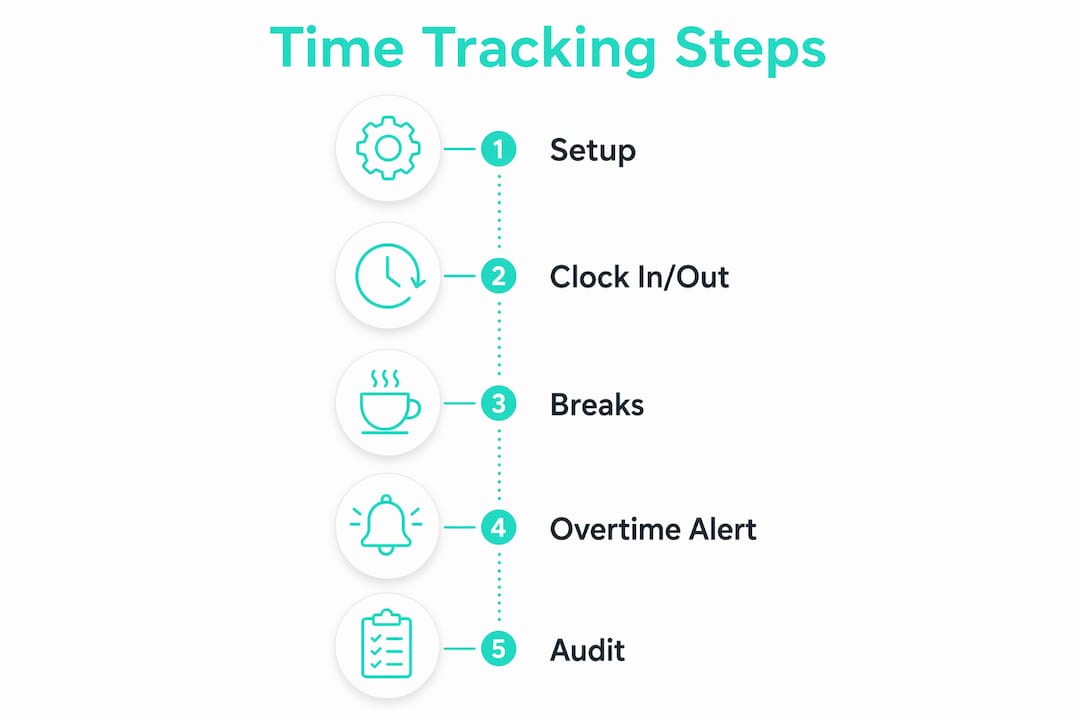
A clean setup prevents most of the problems managers deal with later. Before you install anything, get three things in order: a written time and attendance policy, a list of every part-time worker’s scheduled hours, and a clear decision on who manages system access.
Step-by-step setup
- Write a clock-in policy. State exactly when workers must clock in, how breaks are recorded, and what happens if they forget to punch out. Ambiguity creates disputes.
- Install your chosen software. Set up manager and employee roles with separate access levels. Managers should see all records; workers should see only their own.
- Configure overtime thresholds. Under the FLSA, overtime kicks in after 40 hours in a workweek for non-exempt employees. Set automated alerts at 35 hours so you have time to act before costs spike.
- Train every employee. Walk each worker through the clock-in process before their first shift. Show them how to flag a missed punch so corrections happen immediately, not at payroll time.
- Run a test week. Review every record manually before your first automated payroll run. Catch configuration errors early.
Unplanned hours push part-time workers into overtime without warning. Automated alerts at a set weekly hour threshold give you time to redistribute shifts before the cost hits your payroll.
Pro Tip: Set your overtime alert threshold a few hours below the legal limit. A 35-hour alert on a 40-hour threshold gives you a buffer to reassign shifts before you owe overtime pay.
How do you monitor and audit part-time employee hours daily?
Contemporaneous record-keeping is the strongest legal defense an employer has in a wage dispute. Recording time at the moment a shift starts and ends eliminates the “he said, she said” problem entirely. Daily and weekly reviews catch errors before they compound.
Daily monitoring practices
Check your attendance dashboard at the start and end of each shift. Look for missed punches, unusually short breaks, and clock-outs that do not match the scheduled end time. Most digital platforms flag these anomalies automatically, but a manager’s eye catches context that software cannot.
Buddy punching is a specific risk for mobile or distributed teams. One worker clocks in for another who is not actually on site. Geofencing and photo verification eliminate this by confirming the worker’s physical location and identity at the moment of the punch. Kloqk’s GPS geofencing feature, for example, blocks clock-ins from outside a defined job site radius.
Weekly auditing practices
- Review total hours for every part-time worker before the payroll period closes.
- Cross-reference digital logs against the posted schedule to spot unauthorized schedule changes.
- Flag any worker whose hours are within two hours of the overtime threshold for manager review.
- Keep a printed or exported copy of each week’s records as a backup.
- Retain payroll records for at least three years under federal guidelines. Some states require longer retention periods.
“Real-time, contemporaneous tracking reduces disputes and simplifies payroll audits by providing a clear record immediately after each shift.”
Automated detection tools flag overtime, split shifts, and overnight shifts based on configurable thresholds. That automation cuts the time a manager spends reviewing timesheets from hours to minutes each week.
What are the most common mistakes when recording employee hours?
Most payroll errors in part-time hour management trace back to a small set of recurring mistakes. Knowing them in advance lets you build systems that prevent them.
- Inaccurate punches. Workers round their clock-in time up or down by a few minutes. Over a week, that adds up to real wage discrepancies. Digital systems with GPS confirmation remove the guesswork.
- Buddy punching. A coworker clocks in for someone who is running late. Photo verification at the time clock stops this cold. Kloqk’s photo clock-in feature captures an image at every punch, creating a visual record tied to each entry.
- Overlooked overtime. Part-time workers with flexible schedules sometimes accumulate hours across multiple short shifts without anyone noticing. Automated weekly hour alerts prevent this from becoming a payroll surprise.
- No backup records. A software outage during a busy week can wipe unsynced data. Manual backup logs protect you when technology fails.
- Skipping corrections before payroll runs. Errors caught after payroll is processed require amended filings and create employee trust issues. Build a pre-payroll review step into your weekly routine.
When you find a discrepancy, address it directly with the employee before the payroll period closes. Show them the digital log, explain the issue, and document the correction with both parties’ acknowledgment. That paper trail protects you if the dispute resurfaces later.
Ongoing training matters as much as the initial setup. Staff turnover is high in part-time roles. Every new hire needs a clock-in walkthrough on day one. Schedule a brief refresher for the whole team every quarter to reinforce the policy.
Key takeaways
Accurate part-time hour tracking requires digital tools, a written policy, automated overtime alerts, and weekly audits to stay compliant with FLSA requirements and avoid payroll errors.
| Point | Details |
|---|---|
| Federal compliance is non-negotiable | The FLSA requires accurate time records for all non-exempt employees, including part-time workers. |
| Digital tools outperform manual methods | Digital tracking reaches approximately 99% accuracy, far above what spreadsheets deliver. |
| Automate overtime alerts | Set alerts below the 40-hour FLSA threshold to catch overtime risk before it hits payroll. |
| Audit weekly, not just at payroll | Weekly reviews catch missed punches and schedule anomalies before they compound into larger errors. |
| Keep records for at least three years | Federal guidelines require a minimum three-year retention period; some states require longer. |
The thing most managers get wrong about part-time tracking
I’ve worked with dozens of small business owners who treat part-time hour tracking as a lighter version of full-time tracking. They use a shared spreadsheet, trust workers to self-report, and review everything once a month at payroll time. That approach fails consistently, and the failures are always expensive.
The real problem is not laziness. It’s a false belief that part-time workers are lower risk because they work fewer hours. The opposite is true. Part-time workers often have irregular schedules, multiple job sites, and higher turnover. Each of those factors increases the chance of a recording error. And because the FLSA applies equally to part-time and full-time non-exempt workers, the legal exposure is identical.
What actually works is treating part-time tracking with the same rigor as full-time tracking, but using automation to carry the load. Real-time alerts, GPS confirmation, and automated payroll exports mean the system does the heavy lifting. Your job as a manager is to review exceptions, not manually count hours.
The one habit I’d push every small business owner to build: a five-minute end-of-week audit before payroll closes. Pull the weekly report, scan for anyone near the overtime threshold, check for missed punches, and sign off. Five minutes of attention prevents hours of corrections later.
Saad
Kloqk makes part-time hour tracking free for small businesses
Small business owners should not pay extra for the features that make time tracking actually work.
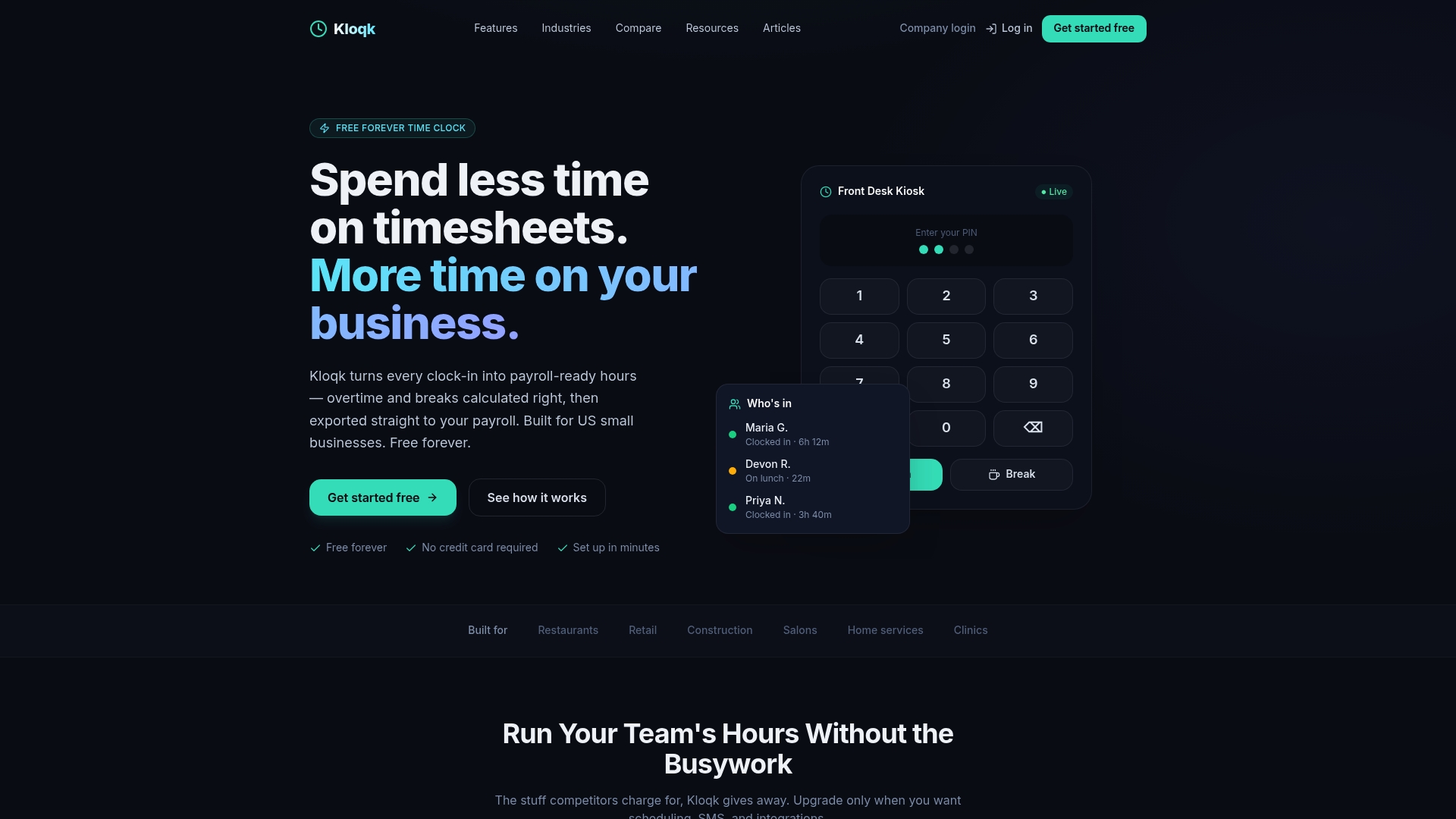
Kloqk’s free employee time tracking app handles clock-ins, break tracking, overtime calculations, and payroll exports at no cost. GPS geofencing confirms workers are on site before they can punch in. Photo verification at each clock-in eliminates buddy punching without any extra hardware. The time and attendance dashboard gives managers a live view of who is working, who is approaching overtime, and who missed a punch. For restaurants, construction crews, and retail teams managing part-time staff across multiple shifts, Kloqk turns raw clock-in data into payroll-ready hours automatically.
FAQ
What does the FLSA require for part-time time records?
The Fair Labor Standards Act requires employers to maintain accurate records of hours worked, wage rates, and pay for all non-exempt employees, including part-time workers. Federal guidelines require retaining these records for at least three years.
How do I prevent buddy punching for part-time workers?
Use a system with GPS geofencing and photo verification at clock-in. These features confirm the worker’s physical location and identity at the moment of the punch, making fraudulent entries nearly impossible.
What is the most accurate way to record employee hours?
Digital time tracking software achieves approximately 99% accuracy compared to manual timesheets. Pairing digital records with automated overtime alerts and weekly audits produces the most reliable results.
How often should I audit part-time employee timesheets?
Audit timesheets at least once per week before the payroll period closes. Daily checks of missed punches and overtime flags catch errors while they are still easy to correct.
How long do I need to keep part-time employee time records?
Federal guidelines require a minimum retention period of three years for payroll records including hours worked and wage rates. Some states set longer requirements, so check your state’s labor laws as well.
Recommended
Sources
Every figure on this page traces to one of these. Primary law and government sources are listed first.
Written by
Marcus ReyesPayroll & Timekeeping Specialist
Marcus covers payroll accuracy, timesheets, and time tracking, the unglamorous mechanics that keep paychecks correct and audits painless.
Keep Reading
Track Hours the Easy Way
Kloqk is a free time clock that handles punches, breaks, overtime, and payroll-ready reports.
Start free