Top 4 Chronotek.com Alternatives for Time Tracking 2026
Managing employee time tracking with minimal fraud and manual work is difficult for small and mid sized companies. Some tools charge for basic payroll exports, require extra hardware, or lock key compliance features behind add ons. This list compares the top four Chronotek.com alternatives so you can pick a time tracking tool that fits your team size, budget, and payroll export needs.
Table of Contents
Kloqk
At a Glance
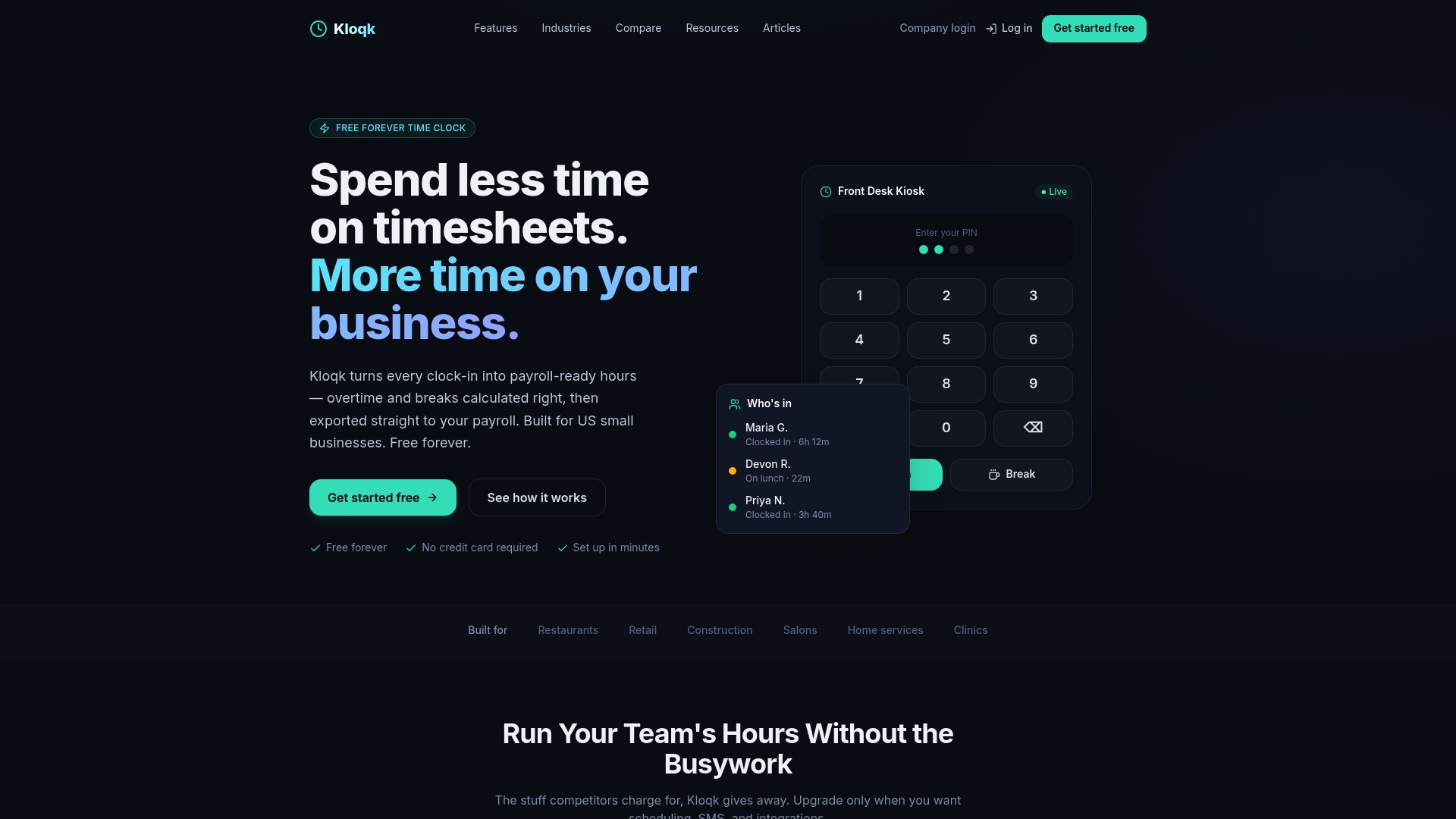
A completely free core time clock for unlimited employees includes photo verification and GPS geofencing. Kloqk advertises that free core offering with overtime calculations and break tracking built in. The free plan runs in any browser and requires no hardware.
Core Features
Kloqk records clock-ins and clock-outs from kiosk or mobile punches with PIN entry. It uses photo verification, GPS geofencing, and PIN checks to deter buddy punching and validate location. The system calculates overtime and break time, and exports payroll-ready hours to payroll providers without extra hardware.
Key Differentiator
100% free core time clock with unlimited users, including photo and GPS verification, needs no hardware or contracts. That combination places basic fraud prevention and payroll exports behind no paywall. Small employers get browser access and core compliance tools at zero cost.
Pros
The free core offering removes licensing costs for unlimited employees and reduces setup friction. No hardware is required, so managers can start on phones and tablets within minutes. Built-in overtime calculations and break tracking help match US labor rules, and payroll-ready exports reduce manual payroll preparation.
Cons
- Advanced capabilities such as scheduling, paid time off management, and expanded integrations sit behind paid plans, which may be necessary as a business grows.
Notable Integrations
Kloqk exports payroll-ready hours to mainstream payroll systems. That reduces manual entry when running payroll. The connections focus on payroll providers most small businesses already use.
- QuickBooks
- Gusto
- ADP
- Paychex
- Xero
Who It’s For
Small business owners and managers who need a simple, reliable, and free time clock will find Kloqk practical. It fits restaurants, cafes, retail shops, salons, and construction crews that need remote punches. The product suits teams that lack IT support and prefer browser access.
Unique Value Proposition
Payroll-ready exports at no cost let you move from clock-ins to payroll with fewer steps. That free core offering removes the common hurdle of paying for basic payroll exports. For owners focused on reducing administrative hours, this shifts work away from spreadsheets and manual reconciliations.
Real World Use Case
A small restaurant uses Kloqk to capture employee hours on a shared tablet and to take webcam photos at clock-in. Managers export the validated hours directly to QuickBooks before payroll. The result is fewer manual corrections and less time spent reconciling shifts.
Pricing
The core time clock is free for unlimited employees. Paid plans start at $29/location/month for scheduling, PTO, and integrations. Additional features such as GPS geofencing and two-way SMS begin at $59/location/month.
Website: https://kloqk.com
Buddy Punch
At a Glance
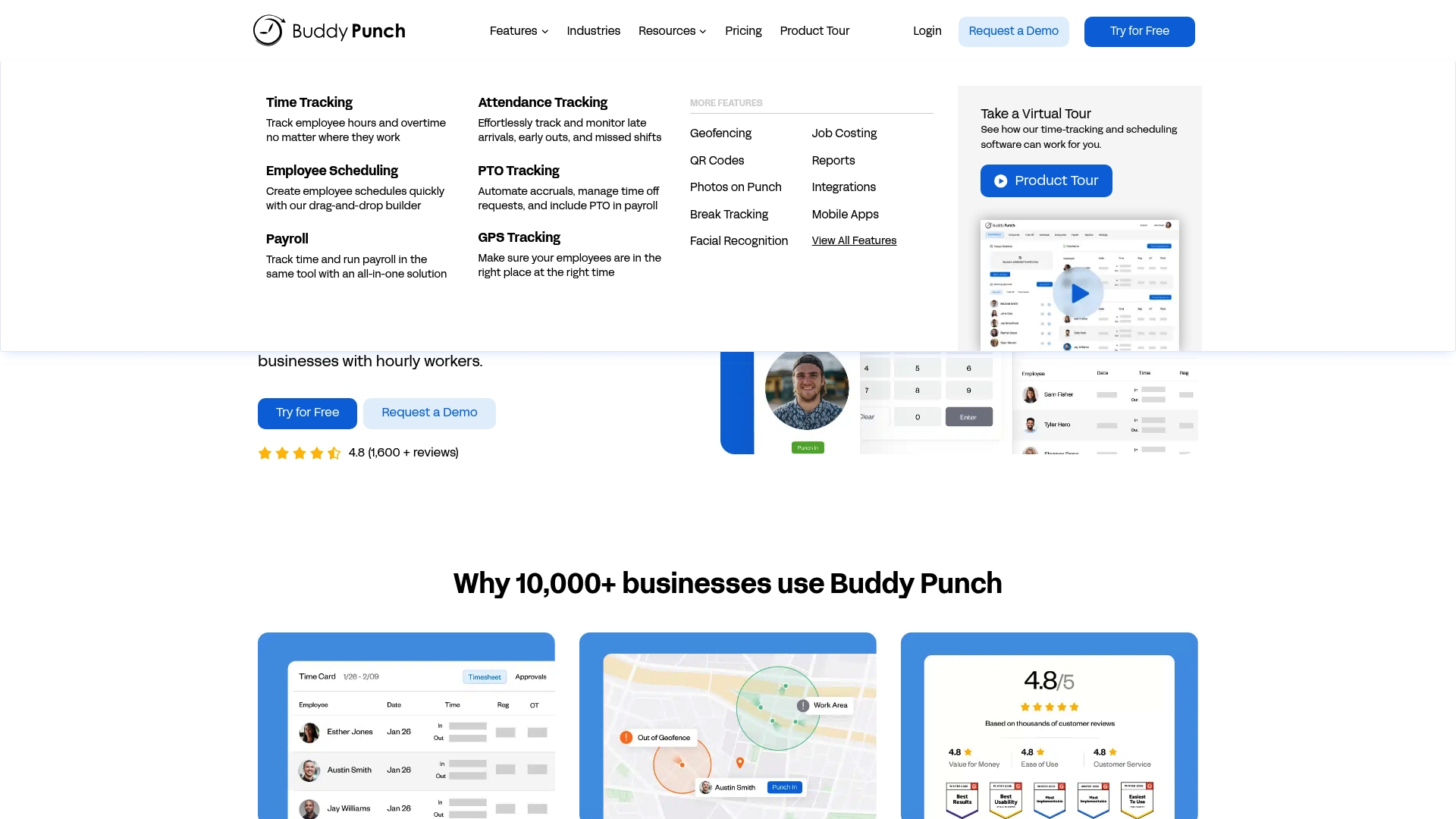
Buddy Punch reports helping over 10,000 organizations since 2012. The product emphasizes proof of presence with GPS geofencing and photo clock ins for secure time capture. The interface targets hourly teams in construction, retail, and healthcare.
Core Features
Time tracking covers regular hours and overtime with mobile and desktop clock ins plus attendance monitoring for late arrivals and missed shifts. Scheduling uses drag and drop tools while PTO accruals and time off requests run inside the same system. Reports export to payroll and break management includes automatic clock out to reduce payroll errors.
Key Differentiator
The product pairs a user friendly interface with strong location and identity checks for clock ins. The combination of GPS geofencing and photo and facial recognition narrows time theft risks while keeping daily use simple. That focus suits teams that need proof of presence without complex workflows.
Pros
The interface feels intuitive, which reduces training time for hourly employees. Mobile and desktop clock ins are reliable, and GPS verification plus photo ID cut down buddy punching. Support is responsive and helpful for payroll exports and setup questions. Automated reports and direct payroll integrations simplify moving hours into payroll systems.
Cons
- Editing past time entries can be limited, making retroactive corrections slower for payroll managers.
- Users report occasional bugs such as screen freezes that interrupt clock ins or scheduling edits.
- Customization options are limited for some settings, which may frustrate teams with specific policies.
When It May Not Fit
Not a good fit if you require deep customization of workflows or advanced rule engines. If your managers need broad editing control over historical logs, the restrictive edit model may slow payroll corrections. Large enterprises that demand extensive platform customization and complex integrations may outgrow this tool.
Notable Integrations
Buddy Punch integrates with payroll systems such as QuickBooks, Gusto, and ADP. Those links reduce manual CSV exports and speed payroll runs. Confirm specific payroll version compatibility with your payroll vendor before purchasing.
Who It’s For
Small and medium businesses with hourly staff benefit most from Buddy Punch. Field services and construction teams gain from GPS verification and photo clock ins. Companies that prefer minimal training and straightforward payroll exports will find the product useful.
Real World Use Case
A construction contractor uses Buddy Punch on remote sites to confirm crew locations with GPS geofencing. Managers adjust schedules quickly and export hours to payroll each week. The setup reduced time spent reconciling paper timesheets and cut disputed hours.
Pricing
Not applicable, informational only. Public list pricing is not included here. Request a demo or a quote to learn per employee monthly pricing and plan details.
Website: https://buddypunch.com
TMetric
At a Glance
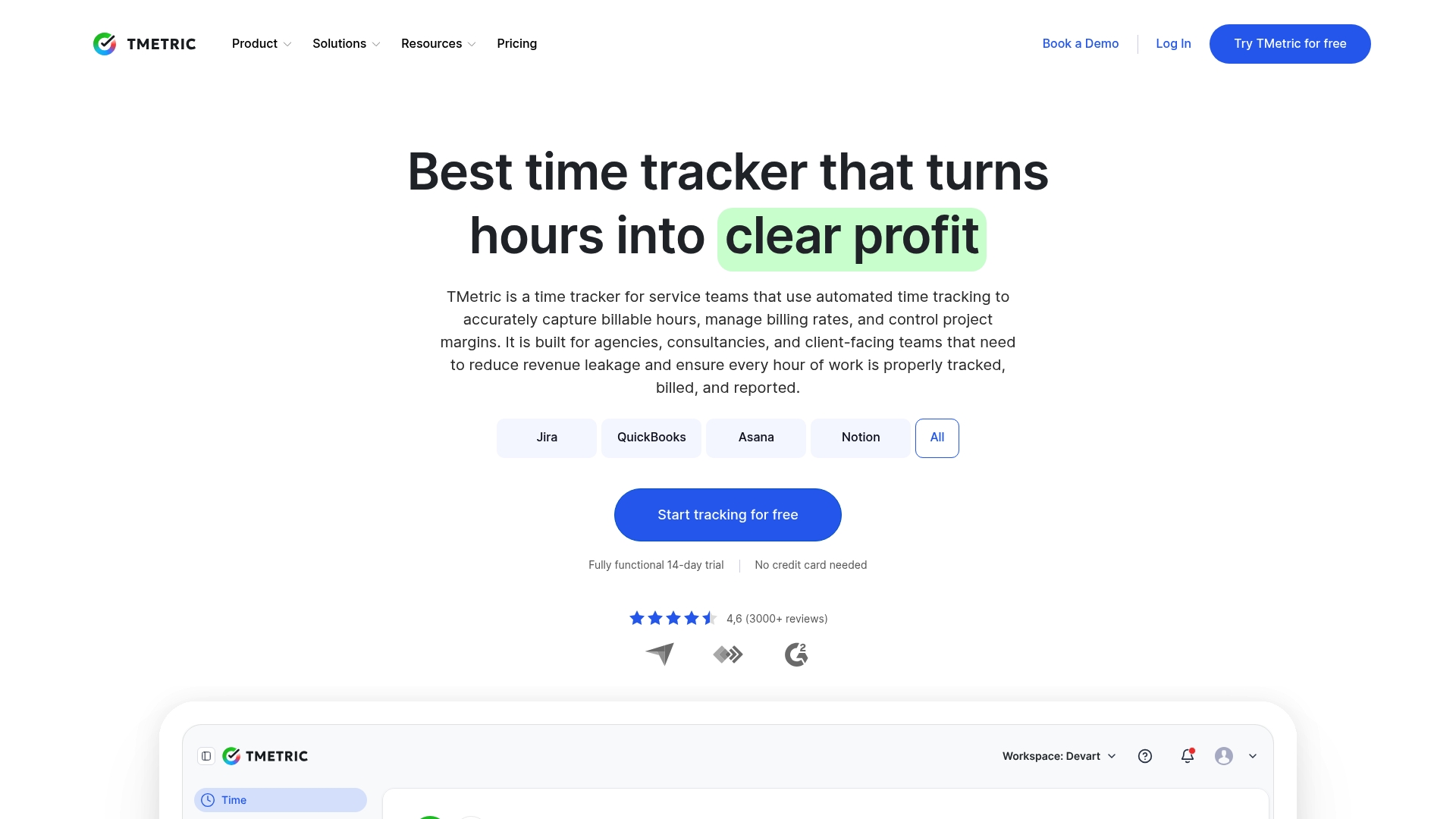
TMetric reports more than 10,000 companies use the product. The vendor frames that reach around agencies, consultancies, and service teams that bill by the hour. The product focuses on automated tracking and profitability visibility for billable work.
Core Features
TMetric delivers automated time tracking with real time visibility across desktop, web, and mobile clients. It includes project profitability tools that handle budgets and margin checks while generating detailed timesheets with approval workflows. The tool also offers billing and invoicing automation with QuickBooks sync plus team dashboards and activity monitoring for managers.
Key Differentiator
The product emphasizes fully automated, cross device tracking combined with profit-focused reporting. That focus lets managers check budget burn and margins while time data updates live. The result is a single view that links tracked hours to invoice lines and project profitability metrics.
Pros
TMetric has an intuitive interface that reduces the learning curve for agencies and freelancers who need fast adoption. Its reporting options create clear audit trails for client billing and payroll, which helps recover lost billable time. Integration coverage makes the product useful inside existing project and accounting stacks, and subscription plans position it as a cost effective option for small teams.
Cons
-
Desktop stability issues have been reported. That can interrupt time capture for users who run the desktop client continuously.
-
The mobile app can feel less polished. Teams that require heavy mobile-first tracking may find it limiting.
-
Customer support response times vary. Delayed help slows complex setup or troubleshooting.
-
Some integrations require manual configuration. Complex toolchains can demand extra setup work from IT or admins.
When It May Not Fit
If your team needs an enterprise support SLA or on prem deployment, this product may come up short. Heavy mobile-only workforces will encounter usability limits. Organizations with dozens of custom integrations should plan for extra configuration time and possible third party middleware.
Notable Integrations
TMetric lists direct connections to major project and accounting platforms. Available integrations include:
- Jira
- QuickBooks
- Asana
- Notion
- All
Who It’s For
The tool fits service teams, agencies, and freelancers who bill hours and track project budgets. Project managers who need budget versus actual visibility will find the reporting useful. Small to medium sized enterprises that use standard project and accounting tools will get the most value.
Real World Use Case
An advertising agency uses TMetric to capture billable time on client work, monitor budget burn per campaign, and produce client invoices without manual entry. That workflow reduces missed hours and speeds invoicing close.
Pricing
TMetric operates on subscription based plans after a free trial. The vendor advertises a fully functional 14 day trial to test features before purchase. Detailed tier pricing is available on the vendor site.
Website: https://tmetric.com
Timesheets.com
At a Glance
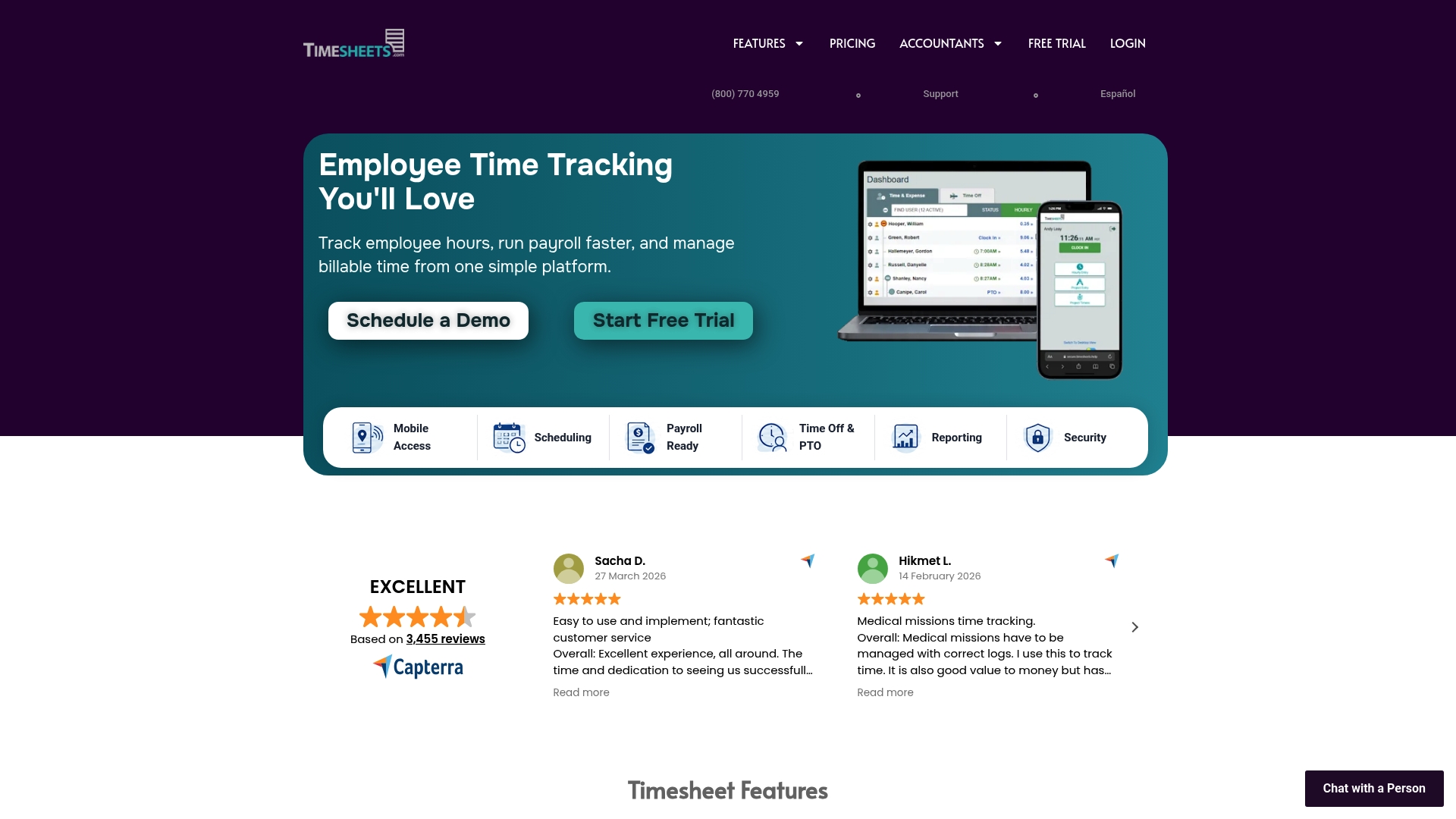
Timesheets.com connects directly to QuickBooks, ADP, Gusto, Microsoft Dynamics, and SurePayroll. The product runs entirely in a browser and offers real time clock punching, scheduling, PTO accrual, and expense reimbursements. It does not include a dedicated native mobile app, relying instead on a mobile web interface.
Core Features
The platform handles time tracking for payroll and billing while supporting employee scheduling and calendar management. It tracks time off with PTO accrual and records mileage and expense reimbursements with receipt uploads. HR document management and detailed payroll and billing reports round out the administrative tools.
Key Differentiator
The standout element is the combination of a fully web based workflow and broad payroll and accounting connections. That mix lets small payroll teams export accurate hours directly to third party payroll systems. The reporting set is aimed at compliance ready payroll and billing needs.
Pros
Customer support is described as highly responsive and helpful, which reduces setup friction for small teams. The interface is straightforward for tracking hours and preparing payroll, and pricing is presented as transparent without hidden fees. Integrations with mainstream accounting systems make exports reliable, and reporting covers payroll, billing, and compliance topics in useful detail.
Cons
- No dedicated mobile app may limit on the go clocking and push some teams to use the mobile browser.
- Limited customization for complex reports and forms can frustrate managers who need bespoke layouts.
- Support for fewer upload file formats restricts how receipts and documents are accepted.
- Some users report a learning curve for advanced features such as complex pay rules.
When It May Not Fit
If your staff need a native mobile app for offline clocking, this product will likely feel restrictive. Organizations that require highly customized reports or custom export formats may find the report options too narrow. Large enterprises that expect extensive format support for receipts and documents should look elsewhere.
Notable Integrations
- QuickBooks
- ADP
- Gusto
- Microsoft Dynamics
- SurePayroll
Who It’s For
Small to mid sized companies that want browser based time tracking, scheduling, and payroll exports will find this product suitable. It fits teams that prefer a central web console and that already use one of the supported payroll or accounting systems. Companies wanting a bundled HR document area alongside time tools will see value.
Real World Use Case
A busy service company uses Timesheets.com to capture employee hours with real time clock punching and to manage PTO requests in the same console. The office uploads expense receipts for mileage and reimbursements and runs detailed payroll reports each pay period. Exports feed the company payroll provider so the payroll clerk spends less time reconciling hours.
Pricing
Pricing follows a per user subscription model, and a free trial is offered. Exact tier details and current rates are available on the vendor website.
Website: https://timesheets.com
Comparison of alternatives
Selecting an employee time tracking solution depends on key business factors like cost, features, and specific organizational needs. Here, we discuss viable alternatives and their unique advantages.
Cost-effectiveness and affordability
Kloqk emerges as a highly cost-efficient option as its core time tracking features, including GPS geofencing and photo validation, are freely available for an unlimited number of users. No other provider offers such inclusive fraud prevention tools without cost.
Feature flexibility and advanced use
For advanced usage requiring profitability evaluation, detailed project analysis, and billing tools, TMetric stands out with its reporting and client billing workflows.
Best fit
- Businesses requiring cost-free, fully-functional employee clock-ins with fraud prevention tools would benefit from Kloqk.
- Agencies or service teams emphasizing client billable hours and project profitability would align well with TMetric.
- Teams seeking browser-based solutions with payroll-ready exports and HR document handling could consider Timesheets.com.
Our pick
While each solution presents valuable strengths, Kloqk’s uniquely free offering with advanced compliance tools positions it as the best choice for businesses with minimal budgets and basic compliance needs.
Kloqk offers robust free core functionality, including GPS geofencing and photo verification, making it accessible for various organizations.
| Product | Key Feature | Best For | Pricing | Notable Limitation |
|---|---|---|---|---|
| Kloqk | Free time clock with GPS/photo ID | Small businesses | Free core, $3+/user/month | Advanced tools require paid plans |
| Buddy Punch | Proof of presence tools | Hourly staff in construction | Price not published | Limited customization for workflows |
| TMetric | Automated time and profit tracking | Agencies and freelancers | Free trial, subscription | Stability issues with desktop and mobile apps |
| Timesheets.com | Browser-based payroll integration | Teams needing basic tracking | Free trial, subscription | Lack of a native mobile application |
How Can Small Businesses Simplify Time Tracking and Payroll Accuracy?
Managing accurate employee hours is a daily challenge for small business owners, especially when time theft and manual payroll preparation cause headaches. Kloqk offers a free, easy to use solution designed specifically for teams like restaurants, construction crews, and retail shops. It includes photo verification and GPS geofencing to prevent buddy punching and location fraud. Plus, it calculates overtime and break time, then exports payroll-ready hours without extra costs or hardware.

If you want to reduce administrative hours and get payroll right the first time, visit Kloqk today. See how its free core time clock can replace complex spreadsheets and simplify your payroll exports with no fees or contracts.
FAQ
How does Kloqk handle overtime calculations for employees?
Kloqk calculates overtime automatically for employees. The system includes built-in overtime calculations and break tracking, ensuring compliance with US labor rules. Expect a straightforward solution that simplifies payroll preparation for your team.
What is the difference between Kloqk and Buddy Punch for clocking in?
Buddy Punch offers strong location verification with GPS geofencing and photo clock-ins, making it reliable for secure time capture. Kloqk focuses on providing a completely free core time clock with unlimited users, which is ideal for small businesses needing basic compliance tools. Choose Kloqk for a budget-friendly option that integrates well with payroll systems.
Can I use Kloqk if my team works remotely?
Yes, Kloqk is suitable for remote work setups. The platform allows clocking in from mobile devices and supports photo verification to ensure proper attendance. Teams can expect a practical solution for capturing hours regardless of location.
How does Kloqk compare in terms of user limits?
Kloqk offers its core time clock for unlimited employees without any licensing costs. This feature is particularly beneficial for small businesses that may have fluctuating staff numbers, allowing them to scale without worrying about additional fees. Consider this if you want flexibility while managing a growing team.
What features does Kloqk offer for payroll exports?
Kloqk exports payroll-ready hours directly to mainstream payroll providers like QuickBooks and ADP, streamlining the payroll process. This integration reduces manual entry and helps ensure your payroll runs smoothly at the end of each pay period.
Recommended
Sources
Every figure on this page traces to one of these. Primary law and government sources are listed first.
Written by
Sam TolbertWorkforce Operations Editor
Sam writes about scheduling, shift work, and the software that runs an hourly workforce, what actually saves time on the floor versus what just adds clicks.
Keep Reading
Track Hours the Easy Way
Kloqk is a free time clock that handles punches, breaks, overtime, and payroll-ready reports.
Start free