Pay Period Settings: How to Set Them Up Correctly

Pay period settings decide which days of work land on which paycheck. Get four things right and the rest follows: the pay frequency (weekly, biweekly, semi-monthly or monthly), the start day of your FLSA workweek, the timekeeping cutoff, and the payday. Set them once, write them down, and make sure your time clock uses the same dates your payroll does. Kloqk’s free time clock turns clock-ins into payroll-ready hours, with overtime and break calculations and payroll exports included, so the dates you choose become clean totals instead of spreadsheet cleanup.
TL;DR
- A pay period is the block of days a paycheck covers. The workweek is a separate, fixed 168-hour cycle that decides overtime. Set both on purpose.
- Biweekly gives 26 paychecks a year and semi-monthly gives 24. Semi-monthly periods follow calendar dates, so they can cut a workweek in half.
- Under the FLSA, each workweek stands alone for overtime. Hours cannot be averaged across weeks, even when a pay period boundary falls in the middle of one.
- Check your state’s payday rules before choosing or changing a schedule, and set a timekeeping cutoff that leaves time to review hours before payroll runs.
Table of Contents
- What pay period settings actually control
- Pay period vs. workweek vs. pay date
- Choosing a pay frequency
- How semi-monthly pay periods work
- The FLSA workweek and the pay period boundary
- What to check before setting or changing dates
- Common pay period mistakes
- Where Kloqk fits
- Our perspective
- FAQ
- Sources
What pay period settings actually control
Every payroll or time tracking tool asks for the same handful of inputs. They look like administrative trivia, but each one changes what shows up on a paycheck.
| Setting | What it decides | Typical choices |
|---|---|---|
| Pay frequency | How often employees are paid | Weekly, biweekly, semi-monthly, monthly |
| Pay period start and end dates | Which days of work belong to a paycheck | Fixed 7 or 14 day blocks, or calendar dates such as the 1st to the 15th |
| Workweek start day and time | Where each overtime week begins and ends | Any day and hour you choose, applied consistently |
| Timekeeping cutoff | The moment hours are locked for review | Usually the end of the last day of the period |
| Pay date | The day employees actually receive wages | A set number of days after the period ends |
| Weekend and holiday rule | What happens when payday falls on a non-business day | Pay the business day before or after |
The first two answer the question “which dates determine the hours in a paycheck?” The period start and end dates draw the box around the work. Anything clocked inside the box is paid on that period’s payday. Anything outside waits for the next one.
If you want the basic definitions first, our guide on what a pay period is covers weekly, biweekly and semimonthly schedules side by side.
Pay period vs. workweek vs. pay date
These three terms get mixed up constantly, and the confusion causes real payroll errors.
The pay period is the stretch of time a paycheck covers. It can be seven days, fourteen days, half a month or a whole month.
The workweek is the unit the federal wage law uses for overtime. The U.S. Department of Labor describes it as a fixed period of 168 hours, seven consecutive 24-hour periods, set by the employer. It does not have to start on Sunday or at midnight. It can start Wednesday at 6 a.m. if that fits your operation. What matters is that it is fixed and applied the same way.
The pay date is the day money reaches the employee. It usually comes several days after the period closes, which gives you time to review and process hours. Under the FLSA, wages are due on the regular payday for the pay period covered.
Recorded hours are the raw punches and adjustments that feed all three. A clean record of punches, breaks and edits is what lets you slice the same hours by pay period for the paycheck and by workweek for overtime.
A simple way to hold it in your head: the pay period is for paying, the workweek is for overtime, and the pay date is for delivery. They can line up, and with weekly or biweekly pay they often do, but they are separate settings.
Choosing a pay frequency
There is no federal rule that tells a private employer how often to pay, beyond paying on the regular payday. State law fills in the rest, which is why frequency is partly a legal decision (more on that below). Within the legal range, the choice comes down to the type of workforce and the admin load.
Weekly
Weekly pay gives you 52 paychecks a year. It matches how overtime is calculated, since every pay period is exactly one workweek. Restaurants, construction crews and other hourly teams often like it because employees see wages quickly. The cost is more payroll runs for you.
Biweekly
Biweekly pay covers a fixed 14-day block and produces 26 paychecks in most years. Occasionally the calendar gives you a 27th payday in a single calendar year. Because it is built from two whole workweeks, overtime lines up neatly: each period holds exactly two workweeks, as long as you start the period on the same day your workweek starts. Our biweekly payroll calendar shows how the paydays fall.
Semi-monthly
Semi-monthly pay means two paydays a month, 24 a year. Most employers pick the 1st and 15th, or the 15th and the last day of the month. Employees on salary like the predictable amount, since each check is one twenty-fourth of the annual figure. For hourly employees, the catch is that period lengths vary (a February period is shorter than a 31-day month’s second half) and the period boundaries ignore the days of the week.
Monthly
Monthly pay is the simplest to run, with 12 paychecks. It is allowed in some states for some employees and not others, and it asks hourly workers to wait the longest. For a small business with hourly staff it is rarely the right fit.
How to decide
Ask four questions:
- Who are you paying? Hourly staff with variable schedules usually do best on weekly or biweekly. Salaried staff often prefer semi-monthly.
- What does your state require? Some states set minimum frequencies for certain workers.
- What can you reliably process? A schedule you run late is worse than a slower one you run on time.
- What do your people expect? Changing frequency changes when rent-paying money arrives, so match what employees are used to where you can.
We break down the arithmetic in biweekly vs. semi-monthly pay: 26 vs. 24 paychecks, and there is a shorter side-by-side comparison if you just need the differences.
How semi-monthly pay periods work
Semi-monthly is the schedule people search for most, so it deserves detail.
The period ends on fixed calendar dates. A common setup: hours worked from the 1st through the 15th are paid on the 20th, and hours from the 16th through month end are paid on the 5th of the next month. Whatever dates you pick, you get 24 paychecks a year.
Two things differ from biweekly pay:
- Annual salary divides differently. A salary of $52,000 pays $2,166.67 per semi-monthly check before withholdings (52,000 divided by 24), versus $2,000 per biweekly check (52,000 divided by 26). Same annual pay, different check size. Employees moving between the two schedules should be told this ahead of time so the smaller biweekly check, or the occasional third paycheck month, does not surprise them.
- Periods rarely match workweeks. A semi-monthly period ends on a date, not a weekday. That means a workweek will regularly be cut across two periods. This is fine legally, but your system has to handle it correctly.
That second point is where overtime errors creep in.
The FLSA workweek and the pay period boundary
For most nonexempt employees, the FLSA requires overtime at no less than one and one-half times the regular rate for hours over 40 in a workweek. The Department of Labor’s reference guide states that hours cannot be averaged over two or more workweeks and that each workweek stands alone.
Put those together and you get the rule that matters for pay period settings: overtime is calculated by workweek, no matter how your pay periods are drawn. If a workweek straddles two pay periods, the overtime still belongs to that one week. You pay it on the payday for the period in which the overtime hours were worked.
A worked example
Say your workweek runs Sunday through Saturday and your semi-monthly period closes on Wednesday the 15th. An employee earning $20 an hour works:
- Sunday to Wednesday, 8 hours a day: 32 hours (period one)
- Thursday and Friday, 8 hours each, and 4 hours on Saturday: 20 hours (period two)
The workweek total is 52 hours, so 12 are overtime. The employee crossed 40 hours on Thursday, so the overtime hours fall in period two.
- Period one: 32 hours at $20 = $640.
- Period two: 8 hours at $20 = $160, plus 12 overtime hours at $30 = $360, for $520.
- Total for the week: $1,160.
The mistake to avoid is treating each period as its own 40-hour bucket. Counted that way, period one has 32 hours and period two has 20, and the system finds no overtime at all. The employee would be shorted $120 of overtime premium. Your time tracking has to total hours by workweek first and then split pay across the periods.
This is why we suggest, when you have hourly staff, picking a workweek start that makes sense and checking how your tool handles a split week. Kloqk calculates overtime and breaks automatically and exports payroll-ready hours, so a split week does not turn into a manual recount. Our FLSA overtime rules guide and step-by-step overtime calculation go deeper on the math.
Picking the workweek start
- Match it to your period where you can. With weekly or biweekly pay, start the period on the same day as the workweek and you avoid split weeks entirely.
- Pick a slow point. If your busiest shifts run late Saturday into Sunday, a Sunday midnight boundary splits a long shift across two weeks. Starting the week Monday morning, or during a lull, keeps shifts whole.
- Do not move it to dodge overtime. Changing the workweek is allowed for legitimate reasons, but the cycle has to stay fixed and the change should not be designed to avoid paying overtime. Write down the effective date when you change it.
- Use the same week for everyone in a group unless there is a documented reason for different groups.
For the basic hours question behind this, see how many hours are in a work week.
What to check before setting or changing dates
Here is the sequence we recommend when you set pay period settings for the first time or change them.
1. Check your state’s payday rules
Payday rules are set mostly by states, and they differ. The Department of Labor’s state payday requirements page shows the variety. For example, Iowa allows a predictable, reliable schedule as long as employees are paid at least monthly and no later than 12 days after the end of the period in which wages were earned. New York requires weekly pay for manual workers, with semi-monthly pay allowed with approval. Some states also have different rules by occupation or for final paychecks, covered in our final paycheck laws by state. Confirm the rule for each state you have employees in, since the right setting in Texas can be the wrong one in New York.

2. Check for notice requirements
Some states require advance notice when you change pay frequency or payday. Even where none is required, give employees written notice well ahead of the first new payday and show them the date of their first check on the new schedule. Employees who see a gap in pay during a transition are the ones who call, so plan the transition so nobody goes unpaid for longer than the law allows.
3. Set the period start and end
Pick the exact calendar dates or the exact weekday and hour. Write them as a rule: “Pay periods run Monday 12:00 a.m. through Sunday 11:59 p.m.” or “The 1st to the 15th, and the 16th to the last day.” Put the same rule in your time tracking tool and your payroll tool. A mismatch of even one day between the two systems is the most common source of missing hours.
4. Set the timekeeping cutoff
The cutoff is when hours are locked for review. Leave time between the end of the period and payroll processing, so managers can approve timesheets, fix missed punches and resolve break questions. A cutoff the moment the period ends, with processing the next morning, leaves no room for errors to be caught.
5. Decide the pay date and the weekend rule
Choose how many days after the period ends employees are paid, and write down what happens when that date falls on a weekend or holiday. Most employers pay on the preceding business day. Whichever you pick, apply it every time, and confirm your state does not dictate when wages must be available.
6. Keep the records
The FLSA requires payroll records to be kept for at least three years, and supporting records such as timecards for at least two. Many employers keep time records longer to cover state rules and disputes; see our timesheet retention schedule.
7. Test with one real period
Before you rely on a new setup, run a sample of last period’s punches through it, including at least one employee whose week crosses the boundary and one who worked overtime. Compare totals to your hand count.
Common pay period mistakes
- Treating the pay period as the overtime week. With semi-monthly pay it produces missed overtime.
- Different dates in different tools. The time clock closes Sunday, payroll closes Saturday, and hours slip through.
- Unwritten rules for holidays. Employees learn the rule when a check is late.
- Changing the schedule mid-year without notice. It confuses employees and can break state rules.
- Not accounting for 27 biweekly paydays or the extra months. Budget for the year in which the calendar gives you an extra payday.
- Editing punches after payroll closes without a record of who changed what.
Where Kloqk fits
If you are setting these dates for a team of hourly employees, the settings only help if the hours behind them are accurate. Kloqk is time clock software for small businesses, and the core is free: payroll-ready timesheets, overtime and break calculations, photo verification for clock-ins, payroll exports, and compliance with federal and state labor laws built in. Your team can punch in from mobile or a kiosk, and you can manage everyone from a dashboard.
Paid upgrades are optional. Pro is $29 per month per location and Premium is $59 per month per location, adding things like scheduling, PTO and GPS geofencing. You can run payroll-ready time tracking without paying anything, and you can start at Kloqk’s free employee time tracking page or compare plans on the pricing page.
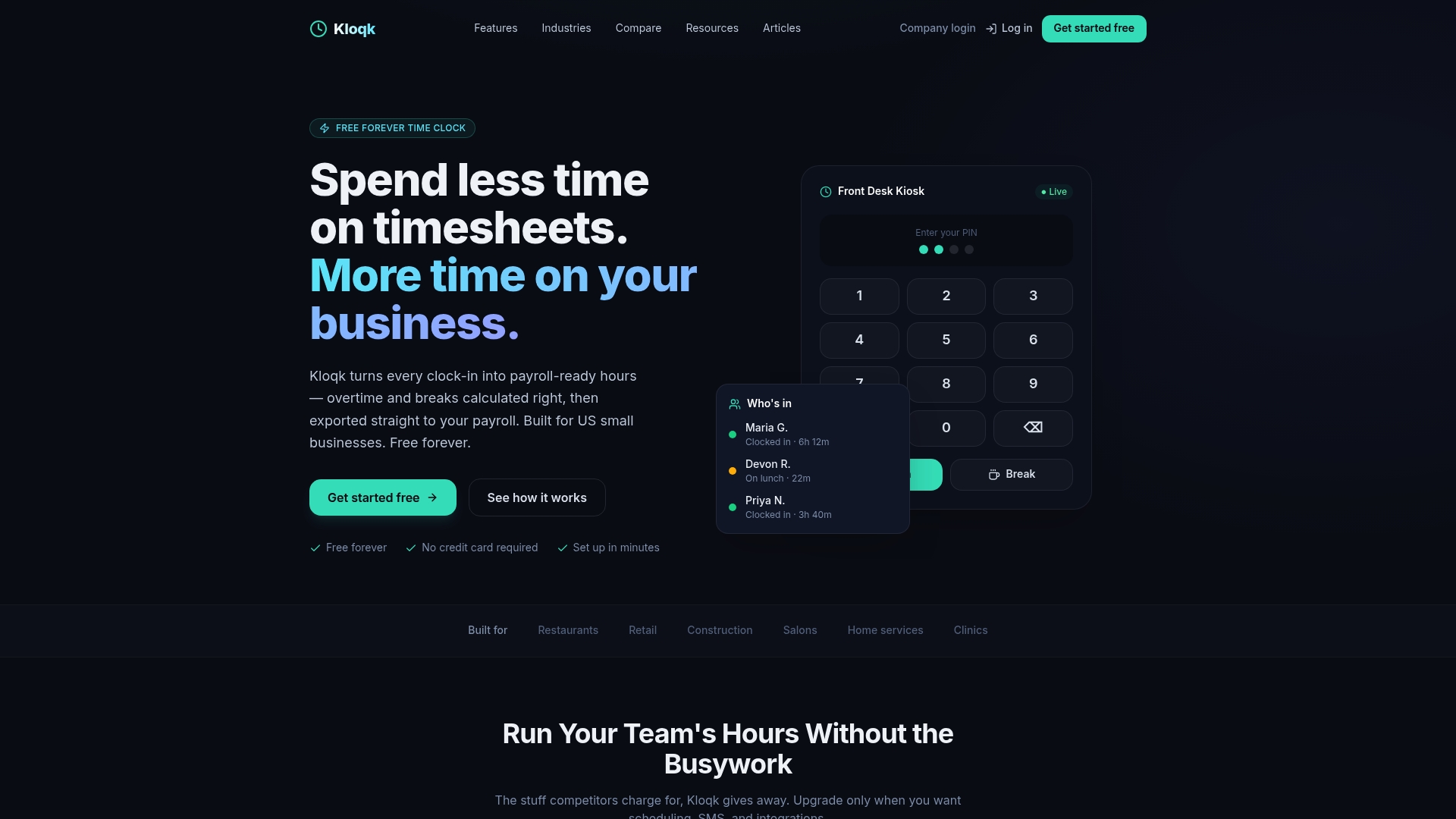
Restaurants, retail shops and construction crews are the teams that tend to feel split-week overtime most, since shifts run long and across days. If that sounds like your business, our time clock for small business page shows what the free plan includes.
Our perspective
Most pay period problems we see described are not payroll problems. They are timekeeping problems that show up on payday. The dates in the settings were fine; the hours behind them were incomplete, late or counted in the wrong bucket.
That is why we built Kloqk around the idea that the time clock should hand payroll finished numbers. Overtime and break calculations, payroll exports and compliance with federal and state rules should not sit behind a paywall, so they are free, with unlimited employees. A small business should not have to pay extra to know whether an employee crossed 40 hours in a workweek.
Our advice is simple. Pick a workweek and write it down. Pick a pay schedule your state allows and your business can run on time. Make sure the same dates live in your time clock and your payroll. Then let the software do the counting, and keep your attention for the people on your team.
Saad
FAQ
What is the difference between a pay period and a workweek?
A pay period is the span of days a single paycheck covers, such as two weeks or half a month. A workweek is a fixed 168-hour cycle of seven consecutive 24-hour periods that your business sets, and it is the unit used to measure overtime under the FLSA. They can match, but they do not have to.
How many paychecks do semi-monthly and biweekly schedules produce?
Semi-monthly pay gives 24 paychecks a year, two each month. Biweekly pay gives 26 in most years, because it is paid every 14 days, and some years the calendar produces 27. Biweekly checks are slightly smaller for the same annual salary because the pay is split into more payments.
Can I change my pay period dates or frequency?
Yes, but check your state’s payday and notice rules first, and give employees written notice with the date of their first paycheck under the new schedule. Update the dates in both your time tracking and payroll tools at the same time, so no hours fall between two definitions.
What happens to overtime when a workweek crosses two pay periods?
Overtime is still figured on the full workweek. Add up all hours in the week, identify the hours beyond 40, and pay the overtime premium on the payday for the period in which those hours were worked. Averaging across weeks is not allowed, and counting each period separately can hide overtime you owe.
What should I do when payday falls on a weekend or holiday?
Write a policy and apply it consistently. Most employers pay on the last business day before. Also check whether your state sets rules for when wages must be available to employees.
Sources
- Digital Reference Guide to the FLSA, U.S. Department of Labor
- Handy Reference Guide to the Fair Labor Standards Act, U.S. Department of Labor
- State Payday Requirements, U.S. Department of Labor
Recommended
Sources
Every figure on this page traces to one of these. Primary law and government sources are listed first.
- 1. U.S. Department of Laborprimary
Written by
Dana WhitfieldHR Compliance Lead
Dana writes about wage-and-hour law, FLSA overtime, and leave compliance for U.S. small businesses, translating dense regulations into plain steps owners can act on.
Keep Reading
Track Hours the Easy Way
Kloqk is a free time clock that handles punches, breaks, overtime, and payroll-ready reports.
Start free