Get Audit Ready Clinic Time Tracking in 2-4 Weeks for Admins

Clinic time tracking has one job: turn every clock-in into an accurate, payroll-ready, auditable record without swallowing your week in spreadsheet cleanup. Get there by running a short supervised pilot first, configuring break, overtime, and rounding rules before you trust the system with real payroll, then expanding once missed punches drop to near zero.
TL;DR:
- Running a pilot with a small group helps identify missed punches and refine configuration before full deployment, reducing payroll errors.
- Configurable rules for breaks, overtime, and location tags ensure compliance with state and federal labor laws, avoiding costly violations.
- Payroll export files must be tested with edge cases like overnight shifts and split locations to prevent data issues during real pay runs.
- Supervisor approval and documented correction reasons are essential to maintaining an immutable audit trail and preventing unapproved payroll edits.
- Multi-location tagging and GPS geofencing features are often available on free plans, crucial for clinics managing multiple sites without added costs.
Table of Contents
- What Clinic Time Tracking Actually Covers
- The Checklist Every Clinic Should Run Before Buying
- A Step-by-Step Rollout That Won’t Blow Up Your First Pay Period
- What the DOL and CMS Actually Require
- Where Clinics Actually Lose Money and Time
- What Actually Works When You Configure This Right
- Choosing Between Standalone and Integrated Systems
- Running a Clinic Pilot with Kloqk
- Where to Verify the Compliance Details
- Sources
- FAQ
What Clinic Time Tracking Actually Covers
Clinic time tracking is not the same tool as your appointment scheduler or your electronic health record. Scheduling software manages patient visits and provider availability. Time tracking manages employee hours, the record that determines what your front desk staff, medical assistants, and billing team actually get paid. Confusing the two is one of the most common setup mistakes clinics make, and it leads to gaps in payroll data that nobody notices until an audit or a paycheck dispute forces the issue.
A working system needs to capture:
- Clock-in and clock-out times for every shift, down to the minute
- Break start and end times, separated from paid work time
- Overtime accrual as hours cross the full-time weekly threshold as defined by labor law
- Location or site tags for staff who float between clinic locations
- Missed punches, flagged automatically rather than caught days later
- Correction reasons attached to every edited entry
- Supervisor approvals before hours move to payroll
- Payroll-ready totals exported in a format your payroll system accepts
Device choice matters less than consistency. A kiosk works well for a front desk with steady foot traffic. A mobile app with GPS fits staff who travel between sites. PIN entry and photo verification cut down on buddy punching, where one employee clocks in for another. Browser-based clocking suits back-office staff already logged into a workstation. Most clinics end up running a hybrid: kiosk at the main site, mobile for float staff, browser access for administrative roles.
The Checklist Every Clinic Should Run Before Buying
Before you commit to any time management tool for a small clinic, run it against these five items. Skip one and you’ll likely be paying for a second tool within a year.
- Immutable audit trail. Every edit needs a timestamp, a reason, and the name of who made the change. If a system lets anyone quietly overwrite a punch, you have no defense in a wage claim.
- Configurable break and overtime rules. Your state may require paid rest breaks that federal law does not mandate; the system needs to handle both layers, plus rounding that never systematically favors the employer.
- Payroll export formats that actually work. Test a CSV or XML export against your payroll processor before go-live, not after your first real pay run.
- Clocking flexibility. Kiosk, mobile with geofencing, and photo verification should all be options, with multi-location tagging built in from day one.
- Role-based approvals and exception reporting. Supervisors need a queue of flagged entries, not a spreadsheet they have to hunt through manually.
Pro Tip: Run a test payroll export with a variety of edge cases, such as missed punches, overnight shifts, and split locations, before you ever handle real staff data. If the export breaks on fake data, it will break on real data too.
A Step-by-Step Rollout That Won’t Blow Up Your First Pay Period
- Define roles, locations, and pay rules first. Decide which positions are hourly, which locations need separate tracking, and what your overtime and break policies actually say before you pick software.
- Choose input methods and pilot for 2 to 4 weeks. Run a kiosk-only or mobile-only pilot with a small group, not your whole staff, so mistakes stay contained.
- Train staff on what counts as compensable time. Setup before opening, charting after a patient leaves, closing procedures. If staff do the work, they clock it. Cover missed-punch procedures in the same session.
- Review exceptions every day, not weekly. A missed punch caught the same day is a two-minute fix. Caught two weeks later, it’s a memory exercise nobody wins.
- Require documented corrections and supervisor sign-off. Every edit gets a reason attached and a manager’s approval before it reaches payroll.
- Test payroll exports across at least one full pay period before finalizing. Reconcile the export against manual totals and fix mismatches before you run live payroll.
- Roll out in phases and watch your numbers. Track missed-punch rate and edit frequency weekly for the first two months. Rising edit rates usually mean a policy nobody explained clearly.
A missed punch policy that spells out the correction workflow in writing saves you from ad hoc decisions made under deadline pressure.
What the DOL and CMS Actually Require
Federal wage law sets the floor here, and it is stricter than most clinic managers assume. The Department of Labor’s Fact Sheet #53 requires employers to pay nonexempt staff for all hours worked, including time the employer “suffered or permitted,” which covers pre-shift setup and post-shift charting your staff does without formally clocking in. Quarter-hour rounding is allowed, but only when it evens out over time; a rounding rule that consistently shaves minutes off employee totals can trigger minimum-wage and overtime violations even if no one intended it that way.
- Pay for compensable time even when it happens outside scheduled shift hours
- Set rounding rules that cut both directions, not just toward the employer’s benefit
- Document policy in writing so staff know what counts as paid time
- Keep an immutable change log for every timesheet edit.
For clinics tied to long-term-care operations, a second layer applies. CMS requires covered facilities to submit Payroll-Based Journal staffing data that is auditable against payroll and other verifiable records, whether submitted manually or uploaded from an automated time-and-attendance system in the required format. CMS also confirmed that PBJ reporting moved into the iQIES platform on August 17, 2026, so any facility still reporting PBJ data needs current iQIES access and role assignments through HARP before its next submission window.
Not every clinic falls under PBJ, but the audit-readiness habits apply regardless: immutable logs, documented correction reasons, supervisor approval on every edit, and a payroll export tested against the actual required fields before you submit anything.
Where Clinics Actually Lose Money and Time
Missed punches top the list, and the fix is not more reminders. It’s a required correction workflow: every missed punch gets a documented reason and a supervisor’s sign-off before it reaches payroll, no silent edits allowed.
- Unrecorded pre-shift and post-shift work slips through when policy doesn’t explicitly name it as compensable
- Multi-site staff get logged under the wrong location without enforced location tags
- Split shifts create duplicate or overlapping entries when the system doesn’t separate them by role
- Scheduling blocks get mistaken for actual worked hours, inflating or shrinking payroll totals
Pro Tip: If your edit rate for any single employee spikes above what’s typical for your team, that’s rarely a technology problem. It usually means the policy itself is unclear or the schedule doesn’t match reality.
Fixing the policy gap solves more of these than fixing the software ever will. A digital timesheet system that enforces correction reasons and approval steps closes most of these gaps automatically, but only if staff actually understand what triggers a flag in the first place.
What Actually Works When You Configure This Right
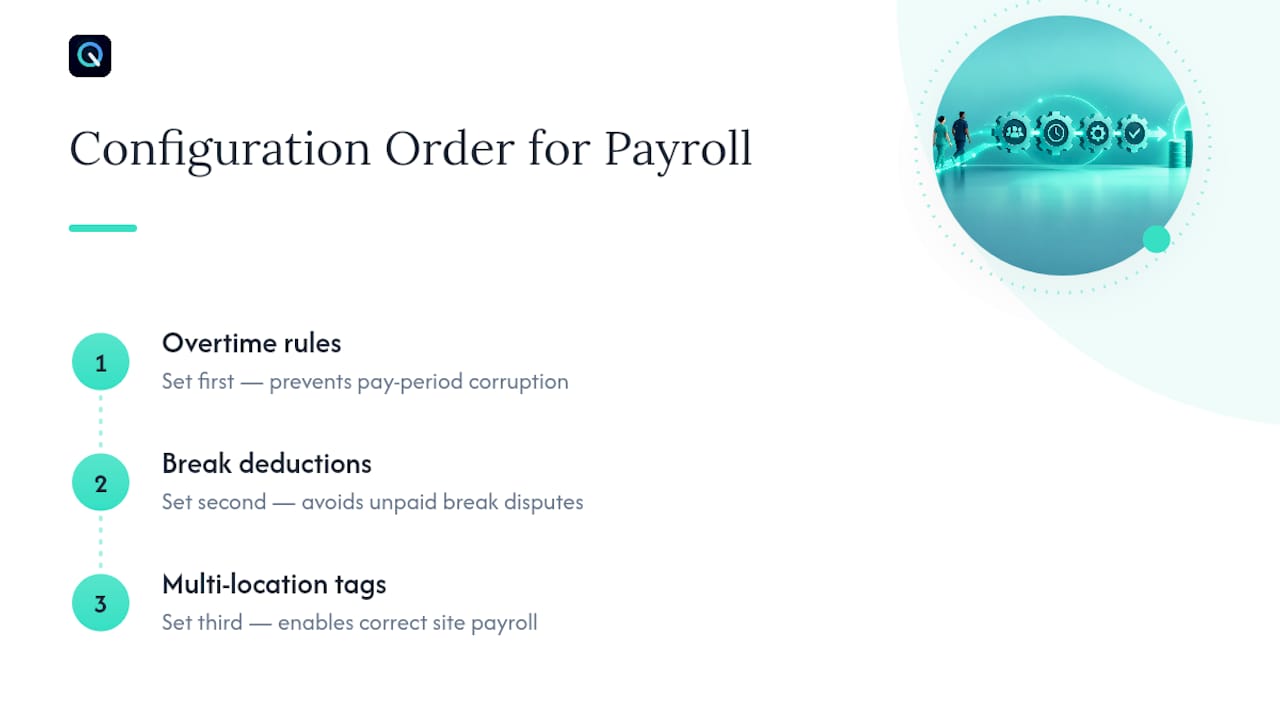
Configuration order matters more than most vendors admit. Set overtime rules first, since a wrong threshold there corrupts every pay period downstream. Break deduction settings come second, because unpaid break time miscounted as worked hours is one of the most common payroll disputes in clinics with rotating staff. Multi-location tagging comes third, especially for any clinic running more than one site under the same payroll.
Kloqk’s time tracking platform maps to this checklist directly: payroll-ready exports at no cost, automated overtime and break calculations, photo verification against buddy punching, and geofencing for staff who clock in from multiple locations. None of that sits behind a paywall, which matters for clinics running lean administrative budgets. For payroll formatting questions once your exports are running, a resource like Tax Form Hero’s payroll data guide fills in the filing side once your timesheets are clean.
Choosing Between Standalone and Integrated Systems
A small single-site clinic with simple shifts often does fine with a standalone time clock. Multi-site operations, on-call rotations, or complex overtime rules justify an integrated stack with scheduling and HR. Either way, prioritize auditability and payroll-ready exports over feature lists. In the first 90 days, watch missed punches, edit rate, and payroll import errors. Those three numbers tell you if the rollout worked.
Saad
Running a Clinic Pilot with Kloqk
Kloqk gives clinics the pieces this checklist actually demands, without charging for the basics other platforms lock behind a paywall. Overtime and break calculations run automatically, photo verification cuts down on buddy punching at shared kiosks, and GPS geofencing confirms staff are clocking in from the site they’re scheduled at, not from home. Multi-location tagging comes standard, so a clinic running two or three sites can see hours broken out cleanly by location before anything hits payroll.

Start small. Configure your break and overtime rules, turn on photo verification and geofencing for float staff, then run payroll exports for one or two full pay periods before switching over completely. The free plan covers unlimited employees and full payroll-ready exports with no time limit on the trial. If your clinic needs scheduling or PTO tracking layered on top later, current prices are available on the pricing page for these upgrades, which you can add once the core time clock is already proving itself. Check the GPS time clock features page to see exactly how geofencing is configured before you roll it out to a second site.
Where to Verify the Compliance Details
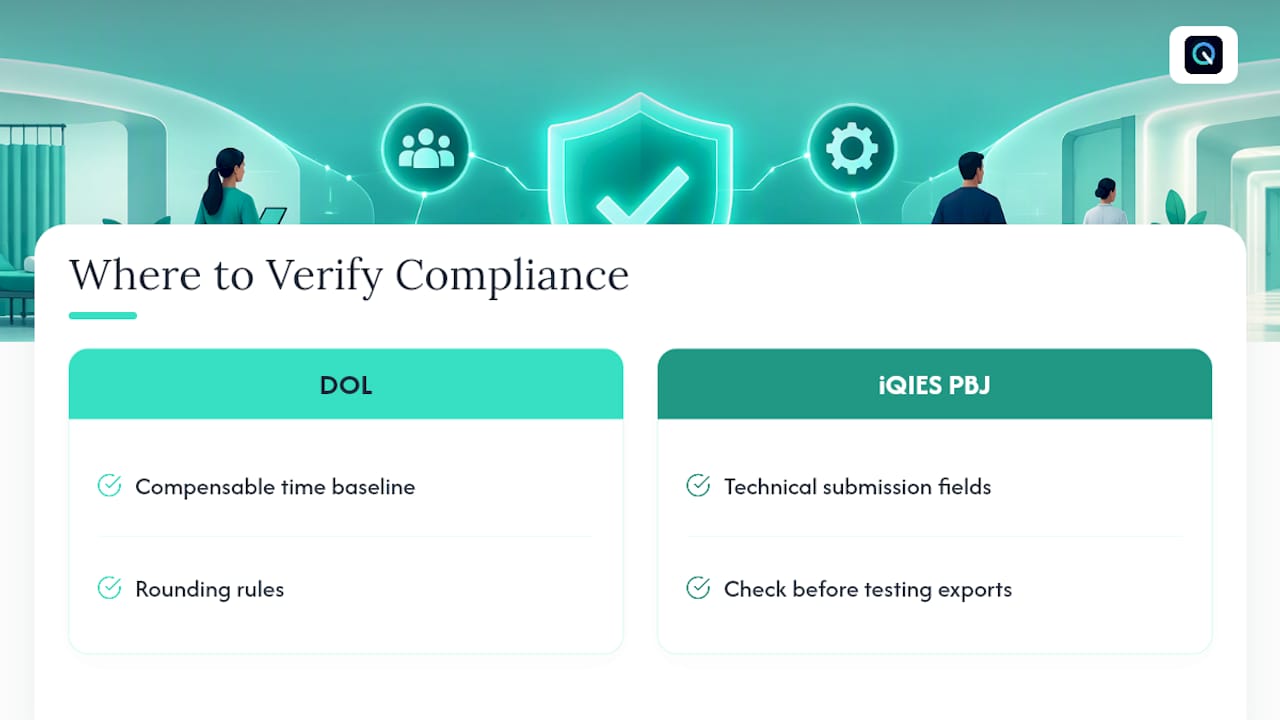
For the legal baseline on compensable time and rounding, go straight to the DOL’s healthcare hours-worked fact sheet. Facilities under PBJ reporting should check the iQIES PBJ user manual for technical submission fields before testing exports.
Sources
- Fact Sheet #53 The Health Care Industry and Hours Worked | U.S. Department of Labor
- Electronic Staffing Data Submission: PBJ Policy Manual (v2.8, Aug 2026) | CMS
FAQ
How do I track my clinical hours?
Use a dedicated time-tracking system, not your scheduling calendar, and log clock-in, clock-out, and break times daily rather than reconstructing them at the end of a pay period. Clinics that run kiosk or mobile clocking with photo verification see far fewer missed-punch disputes because the record is created in real time, not after the fact.
How much does Time2Track cost?
Time2Track pricing isn’t listed in this article’s scope; check the provider’s own site for current rates. If you’re looking for a free alternative for staff time tracking specifically, Kloqk’s core plan has no published cost and covers unlimited employees.
Where can I find a free clinical staff time tracker?
Kloqk offers a free plan with payroll-ready timesheets, overtime and break calculations, and photo verification included at no cost, which covers most of what a small clinic needs before considering a paid upgrade. Paid tiers only come into play if you need added scheduling or PTO features layered on top.
Is there a free time tracker available for clinics with multiple locations?
Yes. Kloqk’s free tier includes multi-location tagging and GPS geofencing so clinics running more than one site can separate hours by location without paying for the feature. That’s a meaningful difference from platforms that put location-based tracking behind a paid tier.
Does the DOL require rounding to be exact to the minute?
No. The DOL permits quarter-hour rounding as long as it’s applied neutrally over time and doesn’t consistently shortchange employees, according to Fact Sheet #53. A rounding policy that always rounds down in the employer’s favor can still violate minimum-wage and overtime rules even when each individual rounding looks minor.
Recommended
Sources
Every figure on this page traces to one of these. Primary law and government sources are listed first.
- 1. U.S. Department of Laborprimary
- 2. cms.gov
- 3. taxformhero.com
- 4. qtso.cms.gov
Written by
Sam TolbertWorkforce Operations Editor
Sam writes about scheduling, shift work, and the software that runs an hourly workforce, what actually saves time on the floor versus what just adds clicks.
Keep Reading
Track Hours the Easy Way
Kloqk is a free time clock that handles punches, breaks, overtime, and payroll-ready reports.
Start free